

Wireless HDMI Display Dongle Adapter – Miracast Dongle with AirPlay DLNA, for Video/Audio Streaming from Phone, Laptop to HDTV, Monitor, Projector
$59.99
Related Products



Product description
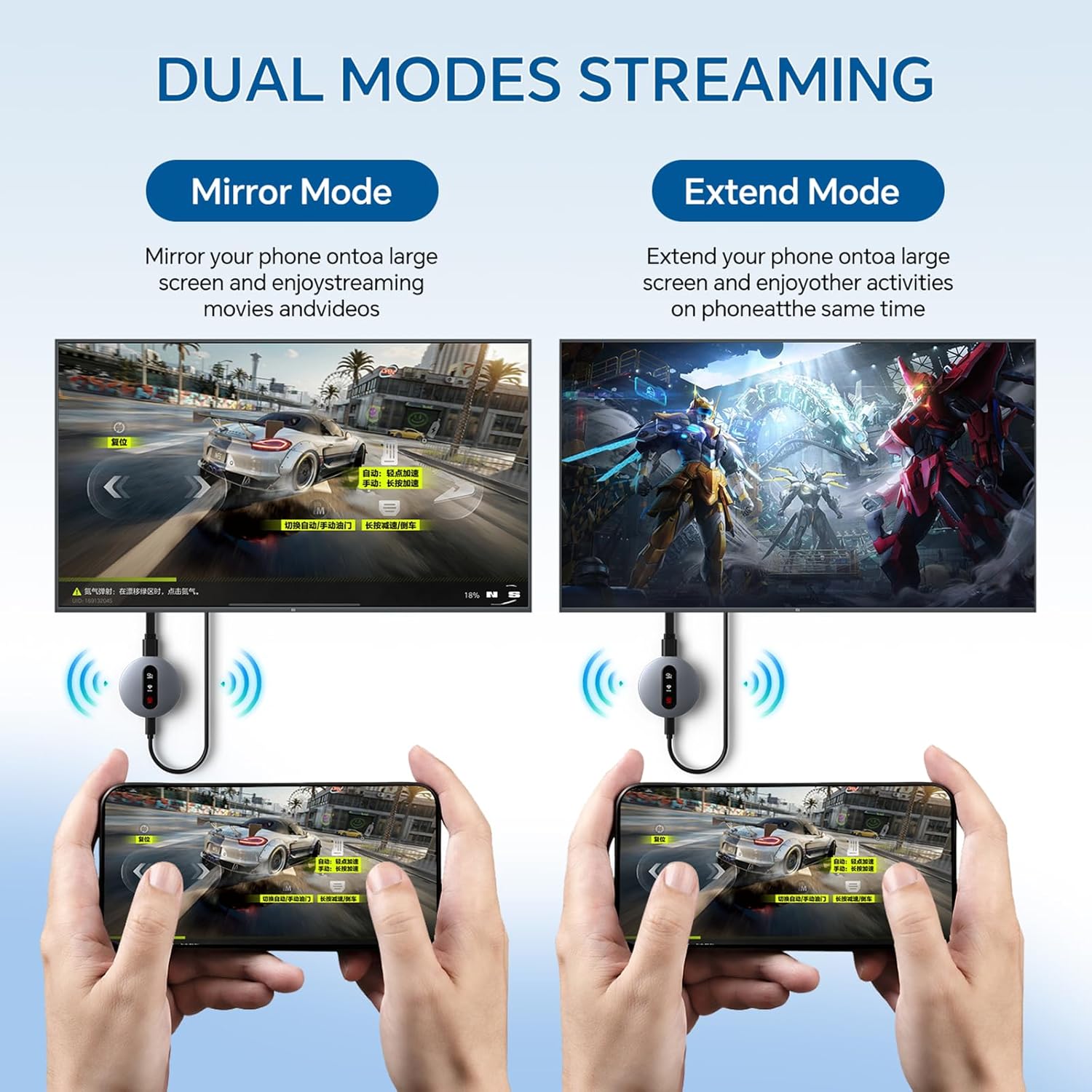
Miracast | AirPlay | DLNA Wireless HDMI Adapter

Activating DLNA Mode
1. Switch to DLNA Mode
Use the front button to set the device to start in DLNA mode.
2. Connect to the Device Hotspot
On your smartphone, go to Settings > Wi-Fi.
Find and connect to the hotspot named “MirascreenPro-XXXX”.
Enter the password shown on the screen.
3. Connect to Your Router
After connecting, go back to the home screen and open your web browser.
Enter the URL: 192.168.203.1 and press Enter.
Select SCAN to search for available Wi-Fi networks.
Choose your router’s network, enter the router password, and wait a moment for the connection to complete.
Note:
The initial network setup is only needed once. After that, the device will automatically reconnect to your Wi-Fi.For the best experience, connect the device to a 5GHz Wi-Fi network.
.


Using DLNA on Android & iOS
1. Start Playback
Open your preferred video or music app (e.g., YouTube or TikTok) and start playing your content.
2. Activate Streaming
Tap the DLNA/AirPlay icon (usually found in the upper right corner).
Find and select “MirascreenPro-XXXX” to begin DLNA/AirPlay streaming.

For iOS Devices (AirPlay)
Ensure P2P Mode: The device should be in P2P mode (default startup mode).Open Control Center on your iPhone/iPad.Tap Screen Mirroring and select “MirascreenPro-XXXX”.Enter the password shown on your screen (required only for the first connection) to start mirroring.
For Android Devices (Miracast)
Ensure P2P Mode: Use the front button to switch the device to P2P mode.On your Android device (Android 4.4 or later with Miracast support), enable screen mirroring: Open Settings → Connected devices → Connection preferences → Cast (path may vary by device). Alternatively, swipe down to open the quick panel and tap Smart View, Cast, or Wireless Display.Select “MirascreenPro-XXXX” from the list to start mirroring.
.

For Mac Devices (AirPlay)
Ensure P2P Mode: Confirm the device is in P2P mode.Click the AirPlay icon in the menu bar of your Mac.Select “MirascreenPro-XXXX” to begin mirroring.
For Windows Devices (Miracast)
Ensure P2P Mode: Verify the device is in P2P mode.(For Windows 8.1 and later, ensure your system supports Miracast.)Press Windows + K to open the Connect panel (or Windows + P for projection options).Select “MirascreenPro-XXXX” from the list of available wireless displays.Wait a few seconds for the connection to complete and your screen to appear.

Friendly Reminder:
Before connecting, use the toggle button to select the correct mode for your system. This device supports a stable transmission range of up to 13–15 feet, ideal for home entertainment, business meetings, presentations, and group gatherings.

【Instant Wireless Screen Sharing】Experience seamless screen sharing without any additional apps, drivers, or Wi-Fi setup. Simply plug into the HDMI port and press the “Mirror” button to start streaming videos, music, and files within seconds.
【Universal Cross-Platform Support】This compact wireless HDMI adapter supports AirPlay for iOS and Mac systems, along with Miracast for Android and Windows devices, offering true versatility across all your gadgets.
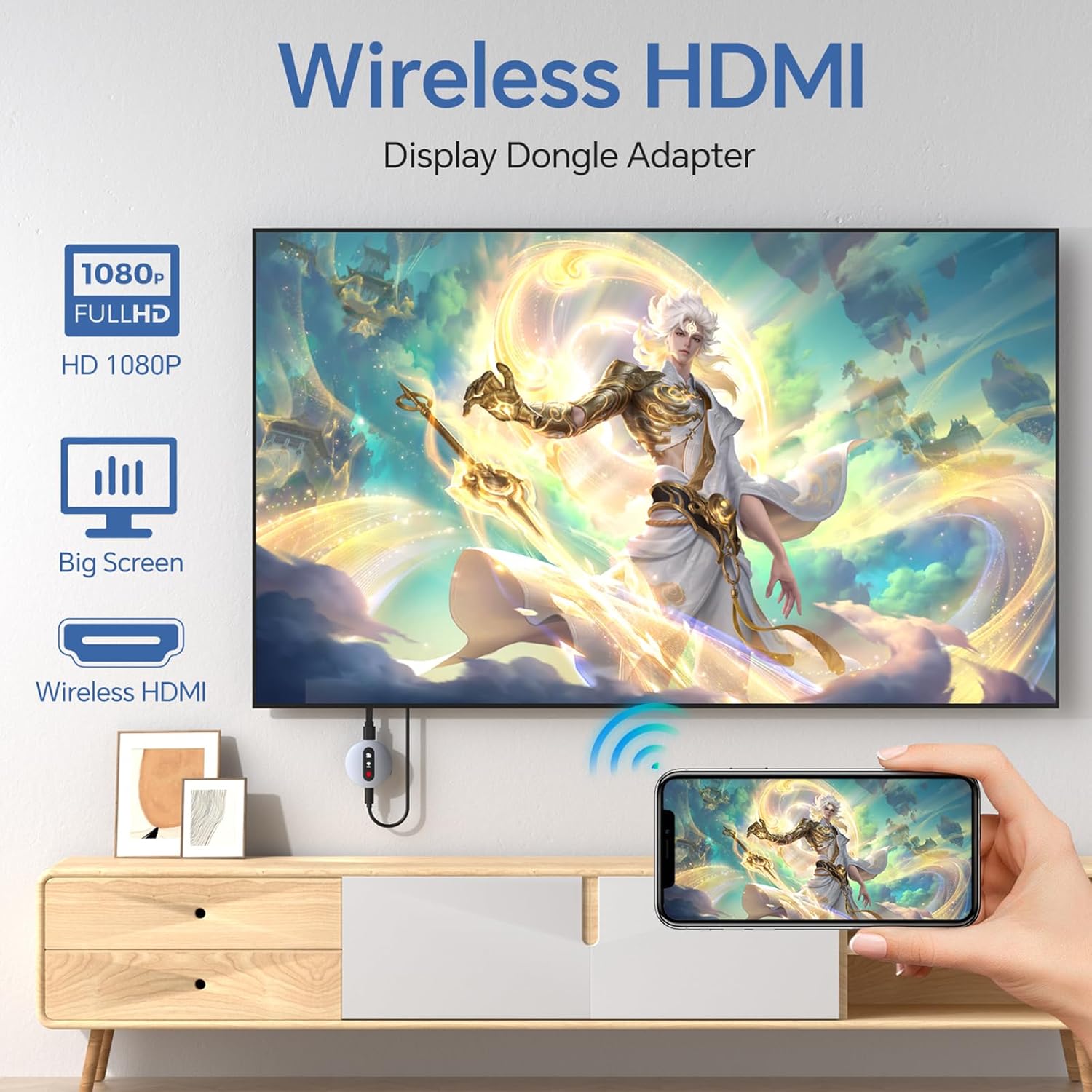
【Wide Compatibility】Compatible with all HDMI-enabled displays including HDTVs, monitors, and projectors. Enjoy vibrant 1080p Full HD video at 60Hz for a truly immersive viewing experience. Easily switch between landscape and portrait modes to best match your content. Perfect for conference rooms, home theaters, and educational settings.
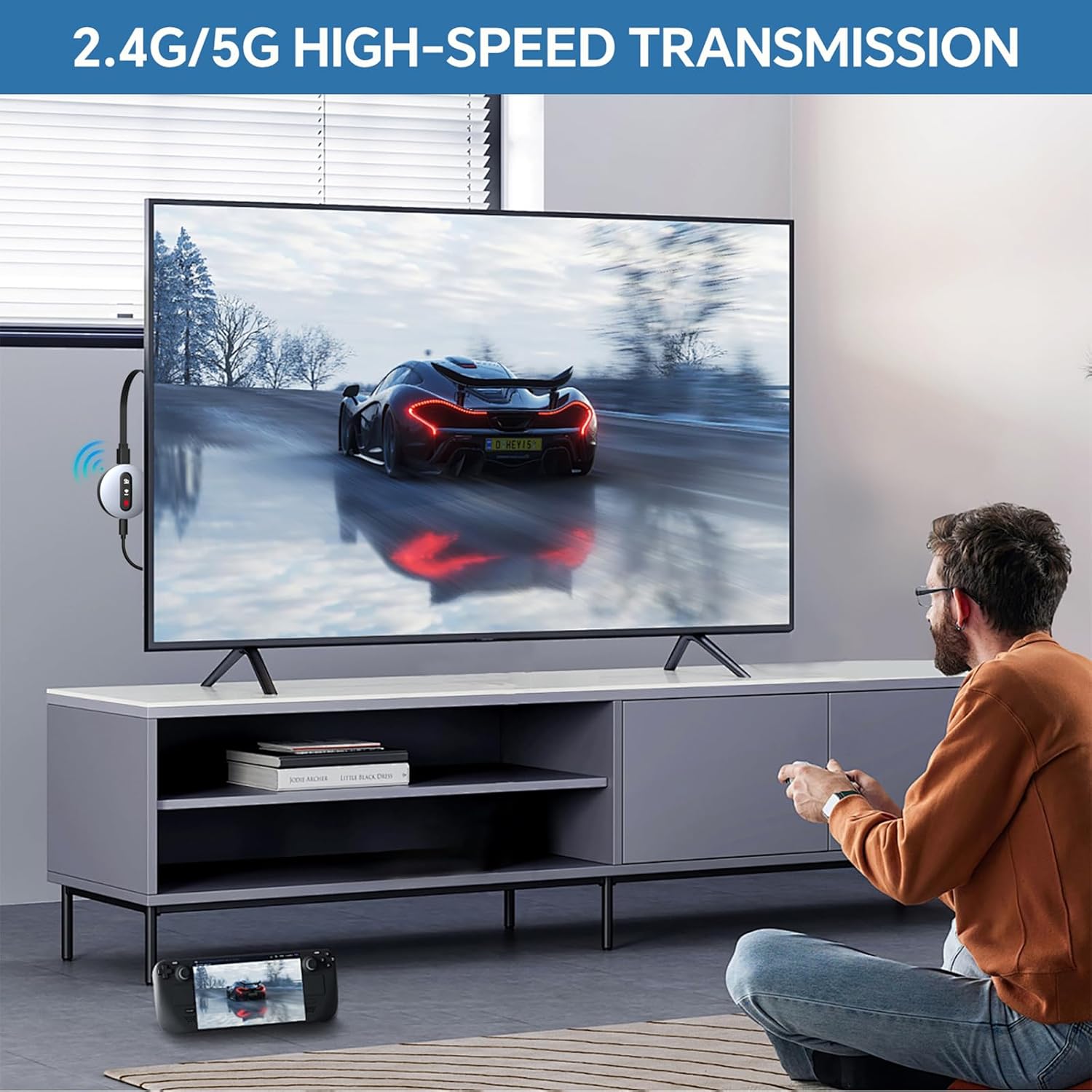
【Dual-Band Stable Connection】Equipped with 2.4G + 5GHz dual-band antennas and an advanced stability engine, this HDMI wireless extender delivers smooth, interference-free streaming even in busy network environments for a reliably lag-free experience.
【App Limitations】Please note: Due to HDCP copyright protection, some streaming apps—including Netflix, Amazon Prime Video, Hulu, and others—may not allow screen mirroring.
8 reviews for Wireless HDMI Display Dongle Adapter – Miracast Dongle with AirPlay DLNA, for Video/Audio Streaming from Phone, Laptop to HDTV, Monitor, Projector
Add a review

$59.99
Rainy Day Fun –
Miracast Dongle Easy & Fast
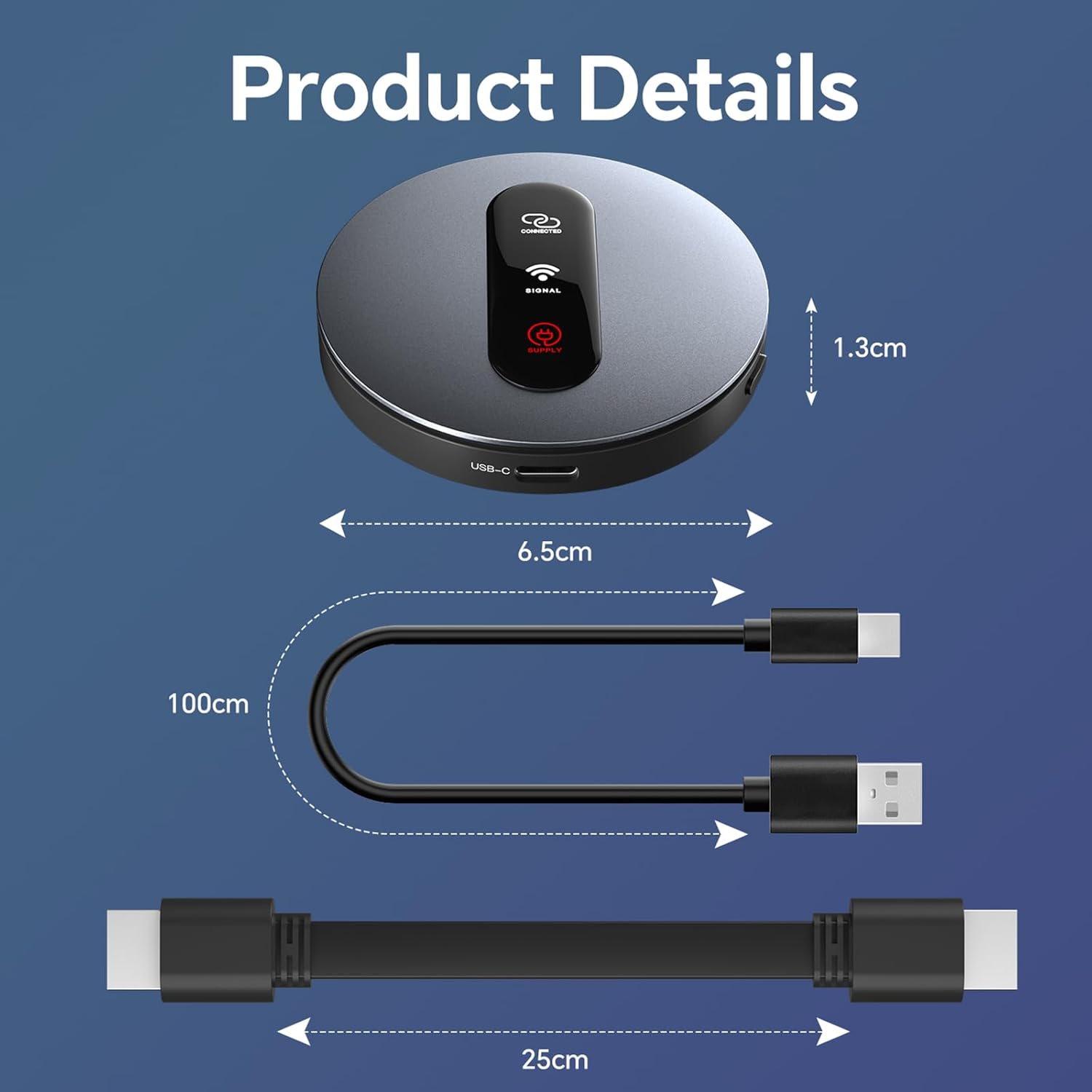
Two words can sum up my experience with this Miracast Display Dongle: Easy and Fast. Read on for my details about my experience.This wireless display dongle allows you to mirror anything on your phone to a TV or computer monitor, basically, anything that has an HDMI (High Definition Multimedia Input) input somewhere on the unit. This Miracast Dongle comes with almost everything you need to get screen mirroring going quickly. You will need a wall tap for power. The unit comes with the USB 2.0 to USB-C power cord and an HDMI cable to connect the Dongle to your chosen display device. If you are like me and lucked out, there is a USB 2.0 input on the back of the screen that you can use for power.As soon as you plug the dongle in to power and connect it to the HDMI input on the TV, the dongle displays a handy menu to choose either Mirror Casting or DLNA. What’s great about this is that the instructions for connecting to various types of devices; Apple, Android, IOS or Windows is displayed, so you can read and follow the directions easily.It took me about 5 minutes to set up, and most of that time was connecting the cables to my HDTV; once that was done, the dongle lit up with a “Connecting” light and a power light. You can change from Mirroring to DLNA by pushing a small button on the side of the dongle.Once it was set up, I went to my (Android) phone and selected “screen casting” and chose the “Miracast” dongle and there it was; my phone’s home screen right on the TV. It was so easy, so fast and I felt a sense of accomplishment. I am not a tech savvy guy either. I highly recommend this Miracast Dongle if you want a fast and easy way to connect to anything with an HDMI input.
Stereodude007 –
Solid upgrade for older TV’s!
I picked up this wireless HDMI dongle hoping to give some older screens a second life, and honestly it did a pretty good job. I used it on a 1080p 75″ Samsung that doesn’t have the latest smart features, and this adapter basically brought it back into the rotation. Picture and sound quality can vary depending on the source and Wi-Fi, but overall it streams well enough to make the TV useful again.It’s a nice way to mirror from a phone, laptop, or tablet. Just keep in mind that certain apps like Netflix or Prime Video may not mirror due to copyright restrictions, so it’s better for general streaming, photos, YouTube, presentations, that kind of thing.Not perfect, but for breathing new life into older HDMI TVs, it earns a strong 4 stars from me.
uphoto75 –
Depends on what you need it for
If you are wanting to use this for daily use at home, don’t do it. Too buggy and didn’t work with all the products I hooked up to it. Sound was off, some didn’t do anything.For a computer and no need of sound, this is great for office presentations and such. I put it in my laptop bag and will use it for emergencies when I’m doing remote presentations. The size is nice too, can go in your bag easily.
derwood –
High quality easy adapter to play movies from your phone to the TV
This is a quality piece of equipment for those who have a tv that’s not connected to the internet but would like to stream from their phone.It is super easy to set up and use and is pretty much plug n play. I was impressed with how well it functioned on both my tv and projector.It’s very portable and at first I was a little taken aback at the price tag but after getting it in person and seeing how well made it is and its ease of use it’s def worth the cost.
IKR –
Can only stream phone or tablet
I received this item thinking I could connect any device to it wirelessly but unfortunately it is only compatible to cast phones/tablets. It works well but I definitely expected it to be more useful. I don’t agree with the price for the product when it’s only useful for phone or tablet use only.
Easton Nielson –
Handy device
This has been surprisingly useful so far. It plugs right into my TV using hdmi and USB and can then be connected to using screen casting, no further setup required. It was compatible with my windows laptop and android ohone so far. I can’t really speak to the picture quality yet being that my current TV has poor resolution. Only slight lag, but that might just be due to the lower resolution.
Karen Bierman Hirsh –
Very misleading advertising – does NOT work with any streaming apps
I wanted to start my review by saying if you are using this miracast dongle to mirror a presentation from your phone to a larger screen, this would be a good choice. If you are expecting to use this dongle to mirror anything else, you will be HIGHLY disappointed. I felt the advertising for this product was completely misleading as you have to hunt down the almost hidden note that says this dongle DOES NOT allow you to mirror virtually any streaming app you’d want to including but not limited to: Netflix, Amazon Prime, Disney+ (Hulu), ESPN, HBO and many others, due to copyright protections. The ONLY thing it seems to work with is YouTube. This fact is buried at the very bottom of the “details” posted for this product.I will also say that calling this dongle wireless is a bit more than just a misnomer as it does, in fact, require the use of two wires, which, to the manufacturer’s credit, it comes with. One cable is used to plug the dongle into the tv and the other is to connect the dongle to a power source. If you are lucky your TV will have a slot to connect the power cable (USB-A). If you are not that lucky, you’ll need to connect the power cord to an outlet using a plug, which the dongle does. It come with.That being said, if you are looking for a way to mirror a presentation to a tv, this would work well but for anything beyond that – this isn’t the dongle for you.
Rod Halverson –
Redwalk Wireless HDMI Display Dongle Adapter
The Redwalk Wireless HDMI Display Adapter, while smaller than anticipated, comes with a convenient short HDMI cable and a USB 2 to 3 power cable (a separate power block is required). Setup was straightforward, and the instructions proved accurate. (Cigar for scale).However, performance was mixed. I successfully connected an iPad Pro quickly, though the projected image did not fill the monitor screen. Crucially, the sound was choppy and unusable. Furthermore, I could not get the adapter to work with a Pixel 6 Google phone.While this adapter might serve for a quick, impromptu demonstration, I found the quality to be insufficient for proper presentations. Your experience, of course, may vary.