

ClearClick Present+Share (USB-C Edition) – Wireless Presentation & Video Broadcasting System for Laptops & Smartphones (2 USB-C Transmitters, 1 HDMI Receiver)
$209.95
Related Products



Product description


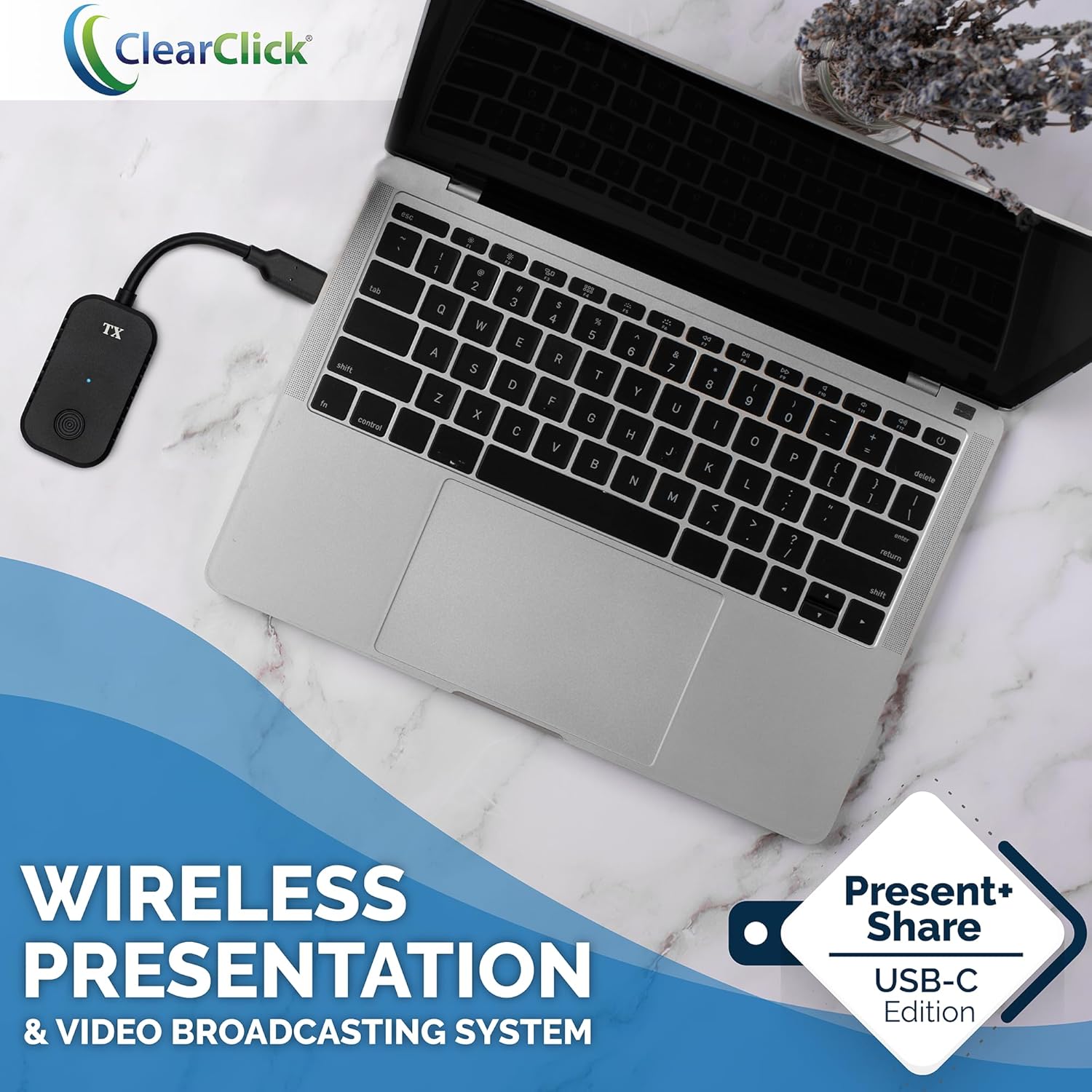
Introducing the Present+Share (USB-C Edition) Wireless Presentation & Video Broadcasting System.
This is the perfect wireless presentation system solution for homes, businesses, conferences, churches, schools, and more.
No confusing drivers or apps are required! Here’s how it works…
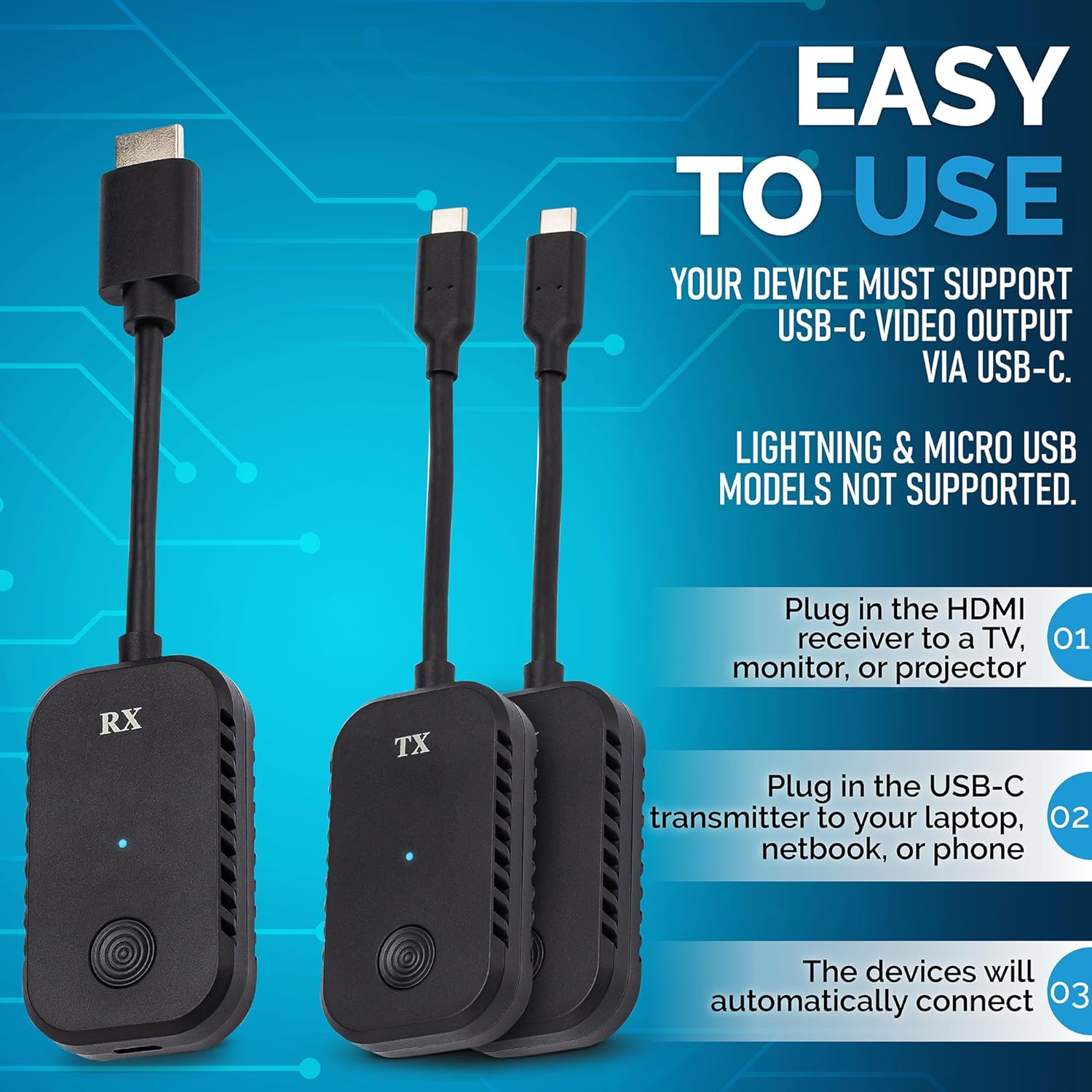
1. Plug in the HDMI receiver to a TV, monitor, or projector. Connect the included USB power cable.
2. Plug in one of the USB-C transmitters to your laptop, netbook, or phone* and press the transmit button.
3. Your computer or mobile device will automatically connect and start broadcasting to the receiver automatically.
4. To transmit using the other USB-C transmitter, press the transmit button on the first receiver to “unlink” that transmitter. Then, plug in the other transmitter into another device, and press the transmit button on that transmitter.
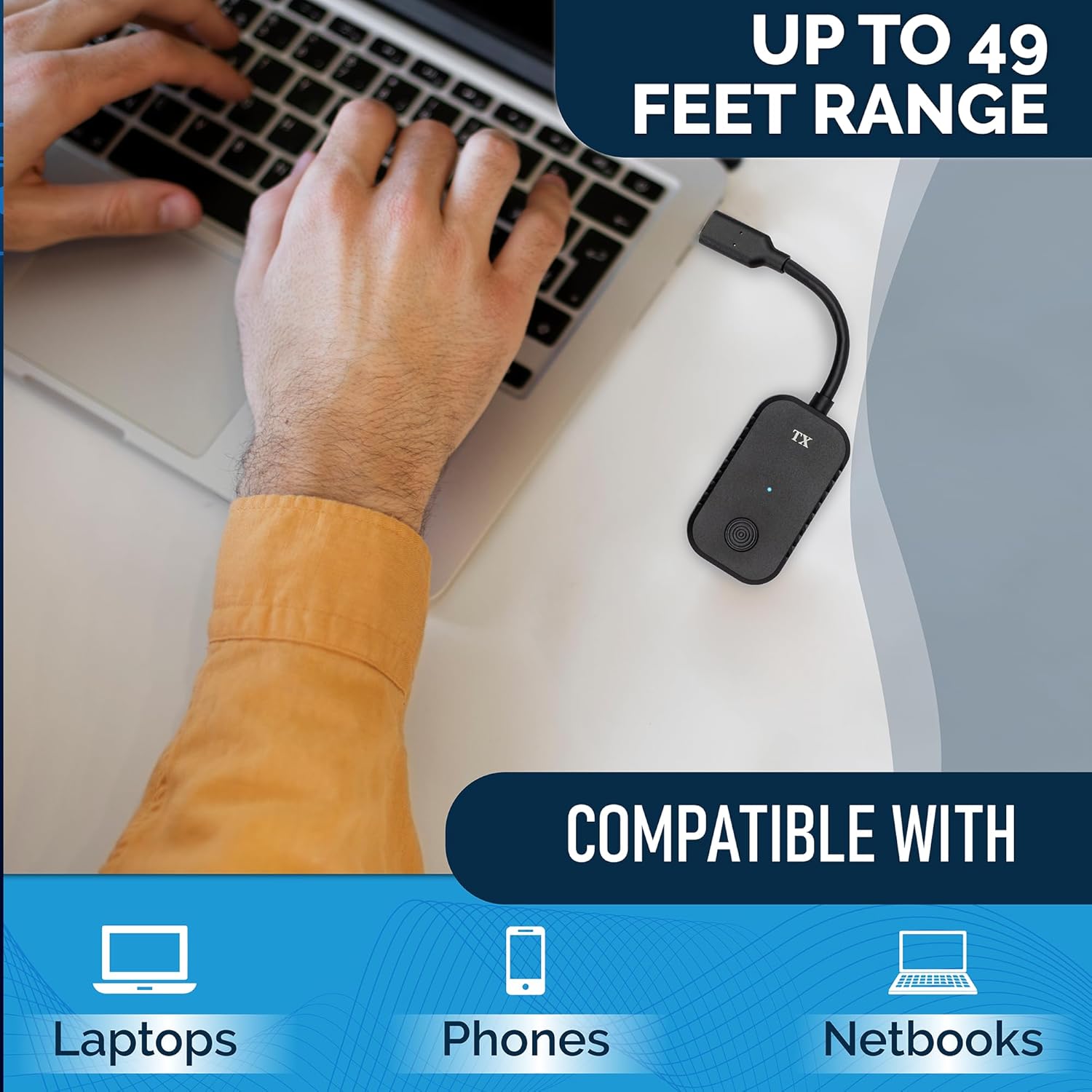
This system can securely broadcast audio & video up to 1080P at a range of up to 49 feet.
Compatible with laptops (both Windows & Mac), netbooks, and phones.*
*System Requirements: Must have USB-C port. (Does not support Lightning port or micro USB.) Recommended minimum 2018 model year.
Securely Transmits Presentations & Video (Up To 1080P/60, Up To 49 Ft Range) Wirelessly From Laptops, Netbooks, & Smartphones To Any TV, Monitor, or Projector
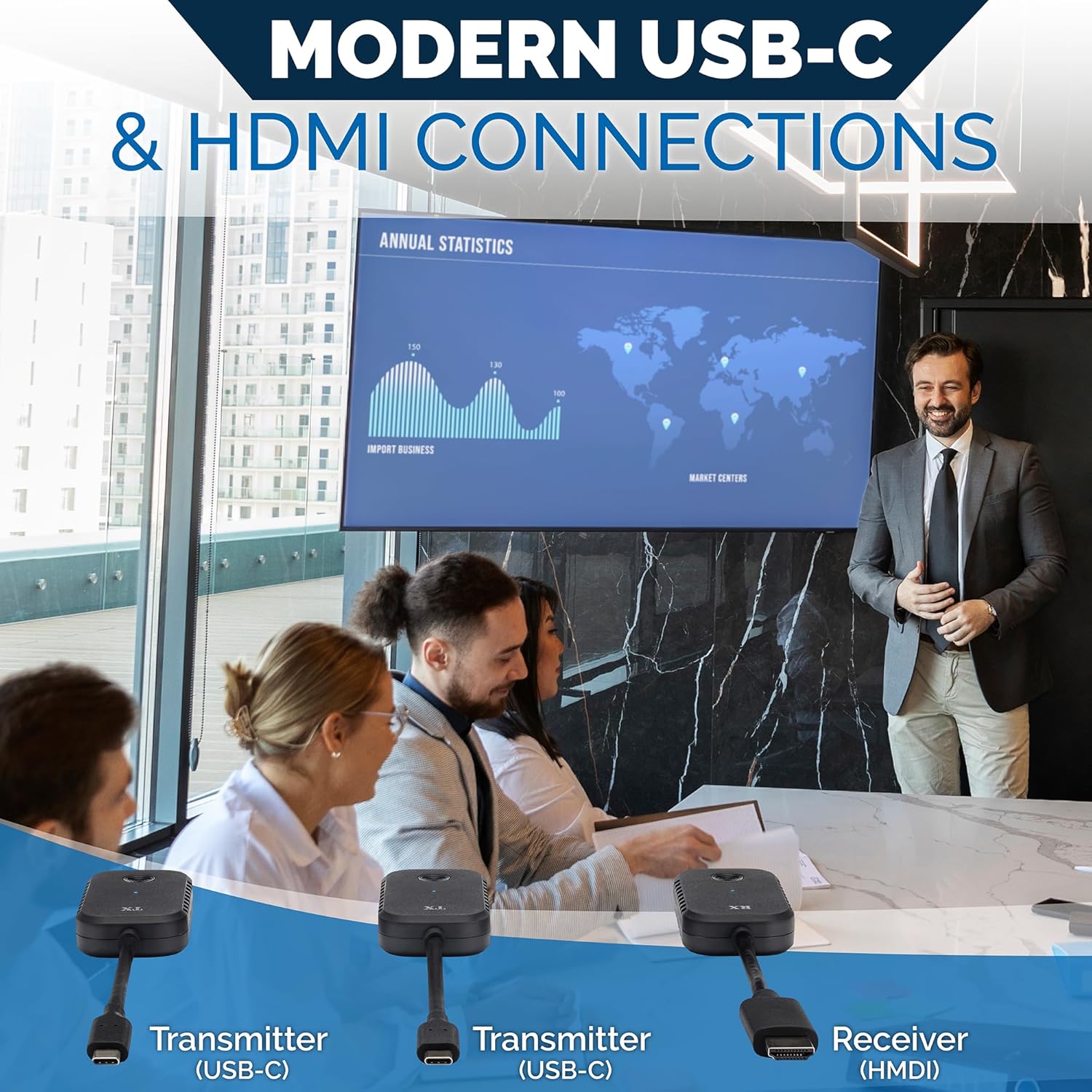
Kit Includes 2 USB-C Transmitters & 1 HDMI Receiver. Plug & Play – Just Connect The System & Press Transmit Button
Perfect For Presentations, Universities, Company Boardrooms, Meeting Rooms, Libary Conference Rooms, and More (Uses Fast & Secure Encrypted 5 GHz WiFi)
System Requirements: Laptop/Netbook/Smartphone with USB-C Port That Supports Video Output (DisplayPort), 2018 Model Year or Newer
Includes 2-Year Warranty & Tech Support from ClearClick, a USA-Based Small Business
8 reviews for ClearClick Present+Share (USB-C Edition) – Wireless Presentation & Video Broadcasting System for Laptops & Smartphones (2 USB-C Transmitters, 1 HDMI Receiver)
Add a review

$209.95
Toan Mai –
Work flawlessy.
Great product. Works with W10/W11 laptops without the need for any driver. The laptop detects the dongle as a external monitor. We use it to mirror the laptop to a big TV in conference room with sound being also sent to the TV. We didn’t noticed any severe lag. We can watch youtube on the TV so this dongle could be used to mirror a computer to a projector if the projector has a HDMI input.One thing I noticed is that the receiver needs to be restarted after an extended period of unused time.
Idgie Threadgoode –
At 20% the price of the big name brand setup, what’s not to love?
I have a small conference table in my office and trying to “cast” to the TV mounted on my wall when collaborating was a challenge – especially depending on what kind of computer / device someone was using. Researched the big-name device package, but it was close to $1K. For 20% of that, this solved all my issues and has been nothing but reliable, fast, and user friendly. Can’t say enough good about it! If you’re on the fence, don’t be. Buy this! You won’t regret it.
Jason Heller –
Great – when it works…
When it works it is GREAT. It seems, for some reason, it fails to work about 1/3 of the time. The only fix we have found is unplugging the receiver unit, turning the TV off and back on, and plugging back in the receiver unit. Unfortunately, the TV we use this on is elevated, so it requires a ladder each time.
Zero Cool –
Doesn’t work with Google Pixel phones and problems with Samsung phones.
I first tried this Present+Share (USB-C Edition) device on a Google Pixel 7 Pro. And… it didn’t work. On the TV, a little green check mark DID come up when I would plug the USB-C transmitter into the Pixel phone, but the screen on the phone would just remain black, showing the word “connecting” indefinitely on the bottom of the screen. Anyway, I did some research and as it turns out, Google Pixel phones have actually never allowed any kind of video output over USB on the Pixel line. If you are a Pixel phone user you might already know this. And if you are a Pixel phone user and didn’t know this? Well, now you know. While I was looking into it though, I did discover that it had been rumored that the Pixel 8 series was FINALLY going to have this ability. But now that the Pixel 8 series has been released, I found out that it will unfortunately NOT support video output over USB, or DisplayPort Alt mode. BUT, Google did finally ship the Pixel 8 line with the hardware capability of doing so! Which means that the Pixel line will finally still have this ability soon, and they could easily unlock the hardware with an update. From what I understand, it all has to do with Google STILL trying to finish their desktop mode or something. Basically a Samsung Dex style desktop mode. I have seen information saying that it’s possible to mirror a Pixel phone’s screen with a wired connection, but it requires a compatible dock. And that may be so but what I’m trying to do is mirror the screen wirelessly, because when I cast my Pixel’s screen all that is casted is the audio. The only video that’s casted is the closed captioning. *sighs* It’s always something, isn’t it…? It may be possible to use a compatible dock with a certain assortment of ports with one of these devices to somehow wirelessly connect a Pixel phone to a TV, but I haven’t begun to explore that yet.I also tried using a Samsung Galaxy S21 Ultra with this Present+Share (USB-C Edition) device, and it sort of worked. When I first plug the USB-C transmitter into the Samsung phone, the phone immediately prompts me to use the Samsung Dex desktop mode. Or, whatever it’s called. And maybe I was doing something wrong but I couldn’t get it to work while using the Samsung Dex desktop mode. And so I tried again. This time, when I was prompted to use the Samsung Dex desktop mode, I selected the back button on the phone. And wouldn’t you know it, it worked! Well, sort of… The screen on the phone was being mirrored just fine, but no audio would come out of the phone, or the TV. And yes, I did make sure the volume was turned up on both the phone and the TV.Another downside I have come across involves the powering of the receiver. Because the receiver must be powered. Generally, when I get a device that’s rechargeable via a cord that has a USB-C connection on one end and a regular USB-A connection on the other end, there is no power brick that plugs into the wall included. But most of the time when I get a device that is NOT rechargeable and requires constant power via a cord like that, it comes with a little power brick with a USB-A port on it. The receiver for the Present+Share (USB-C Edition) comes with a cord that has a USB-C connection on one end (which plugs into the receiver), but it does NOT come with any kind of power brick that plugs into the wall. What’s more, it’s not said ANYWHERE what kind of power output is required to power the receiver. If it’s detailed somewhere now, it wasn’t at the time of this review. Considering how much this costs though, I think that it should definitely come with a little power brick that plugs in, to power the receiver.I was still going to give this 4 stars because I believe it works well with the right kind of devices. But I reached out to their support days ago and have still not gotten any kind of response. And so, that’s why I have given the Present+Share (USB-C Edition) a score of 3… out of, 5.
Amazon Addict –
Excellent Connectivity
Works better than a Click-Share. Fraction of the price.
Amazon Customer –
These are plug and play and easy to use
We could not be happier with this product for our office use
theblackknight –
Best wireless display system I’ve used
This is hands down the best wireless display system I’ve used. Connecting is quick and easy, lag is minimal, and it just works.I tested this on an old Windows Phone, a Pop OS laptop, and a vanilla OS desktop. The laptop and phone are from well before 2018 which is the minimum recommended year for devices but they worked fantastically. The pairing process is simple – plug in the receiver to power and an HDMI input on your display. Then plug in the transmitter and press the button to pair. Easy.When the transmitter isn’t paired to the receiver it shows a helpful screen that lets you see the status although it claims you can plug the transmitters into an HDMI port which isn’t accurate for this set – although I do wonder if this is interoperable with other transmitters from ClearClick.I used both transmitters and the pairing process was simple and straight forward. It even paired well enough for my Linux computers to recognize the make and model of the monitor the receiver was plugged into (and that was through a DVI to HDMI adapter as well).All that to say, I’m blown away. I’ve used wireless displays at work and they’re laggy with horrible image quality. This is fast and clear enough that I hardly noticed I was using the display wirelessly when doing basic email, web browsing, and office tasks. I wouldn’t want to try gaming on this but a youtube video streamed just fine and I couldn’t see any audio video sync issues within a minute or so which gives me good confidence that it won’t get out of sync. Oh, and the price? Insane for the quality.I did not try this at a range that would really stretch the limits. The transmitter and receiver were all within the same office room. So I can’t speak to how reliable these are at range.If you need a wireless solution for your computer monitor, this is fantastic. I am impressed.
Francis Mendoza solano –
Pues yo tengo una laptop con windows 10 y no manda imagen al RX de la TV.El segundo Tx que viene en el paquete, lo conecte a otra laptop con windows 11 y mando imagen de inmediato.Al conectar un Tx a mi celular sansung s22 Ultra con android, sólo me activa el modo de poner al celular en modo PC pero no me hace espejo de lo que estoy viendo en mi celular. En el modo PC sólo no me da tanto facilidad de usar el dedo como ratón y ni de poder navegar entre la interfaz de la misma.En otras palabras, si conectas una computadora con windows 11, ok, te manda el espejo de tu laptop.Pero si conectas un celular con android, no te muestra el espejo de tu celular, sólo te muestra el modo PC que es muy complicado navegar con el dedo y el celular como mausepad.Lo recomiendo mejor para conectar sólo computadoras con windows 11.