

Tenda Nova Mesh WiFi System – Covers 3000 sq.ft – AC1200 Dual-Band Mesh Network for Home Internet – Parental Control – 3-Pack
$69.99
Related Products




Product description


1 High Capacity
2 Easy Setup and Management
3 Works with Amazon Alexa
4 Wi-Fi Setting
5 Security


1 Parental Controls
2 Guest Network
3 Works with Wi-Fi 5 Nova
4 After-Sales Service
Tenda Nova Series – Get the Most Suitable Mesh WiFi Solution
Add to Cart
Add to Cart
Add to Cart
Add to Cart
Customer Reviews
4.1 out of 5 stars 4,326
4.2 out of 5 stars 9,100
4.0 out of 5 stars 209
4.3 out of 5 stars 3,263
4.2 out of 5 stars 1,708
4.1 out of 5 stars 342
3.9 out of 5 stars 606
Price
$69.99$69.99
$79.99$79.99
—
$139.99$139.99
—
$129.00$129.00
$215.89$215.89
Band Type
Dual-Band AC1200
Dual-Band AC1200
Dual-Band AX1500
Dual-Band AC1200
Dual-Band AC1200
Tri-Band AC2100
Dual-Band AX3000
Compatible Broadband Speed
100 Mbps
≥200 Mbps
≥200 Mbps
>100 Mbps
>100 Mbps
≥500 Mbps
≥900 Mbps
Ports
2*FE WAN/LAN
2*GE WAN/LAN
2*GE WAN/LAN
2*GE WAN/LAN
1*GE WAN/LAN + 1 FE LAN
3*GE WAN/LAN
3*GE WAN/LAN
Wi-Fi Coverage
up to 3000 sq.ft
up to 3500 sq.ft
up to 3500 sq.ft
up to 3500 sq.ft
up to 3500 sq.ft
up to 6000 sq.ft
up to 7000 sq.ft
Max. No. of Connected Devices
40 devices
90 devices
80 devices
80 devices
60 devices
120 devices
160 devices
Max. Mesh nodes (Qty./Size)
5 ( 5000 sq.ft )
9 ( 10800 sq.ft )
6 ( 6000 sq.ft )
6 ( 6000 sq.ft )
6 ( 6000 sq.ft )
12 ( 15000 sq.ft )
9 ( 17000 sq.ft )
Works with Alexa
✔
✔
✔
✔
✔
✔
✔
Parental Controls
✔
✔
✔
✔
✔
✔
✔
Guest Network
✔
✔
✔
✔
✔
✔
✔
Work with Tenda Product
WiFi 5 Product(MW Series)
WiFi 5 Product(MW Series)
WiFi 6 Product(MX Series)
WiFi 5 Product(MW Series)
WiFi 5 Product(MW Series)
WiFi 5 Product(MW Series)
WiFi 6 Product(MX Series)
Why can’t my Nova MW3 separately set up WiFi for 2.4GHz and 5GHz bands?
Please check whether the firmware is latest through the Tenda WiFi APP. If it is shown that you need to upgrade the firmware version, please upgrade the firmware version, then restore Nova’s factory settings, and finally set up Nova MW3.
How to check if the firmware version is the latest?
The checking steps are: settings–>system settings–>firmware upgrade–>detect new version.
Why can’t my Nova MW3 separately set up WiFi for 2.4GHz and 5GHz bands when the firmware is the latest?
May be because you haven’t turned off the Capacity-oriented mode (there will be a hint on the WiFi setting page). You should turn off the mode after you find Capacity-oriented on the setting page.
Why is the network unstable?
We have done internal testing for this problem, and a new firmware version has been released, please update the firmware version to solve the problem.
If your broadband is greater than 100Mbps, is it recommended to buy MW3?
In fact, if your broadband is greater than 100Mbps, we recommend purchasing a product such as the MW6 or MX12.
Enjoy the Best Signal in any corner of the house — Ideal for replacing traditional Wi-Fi extenders & routers solutions, provides up to 3,500 sq.ft. Whole Home Coverage with faster and more stable Wi-Fi mesh network. Get rid of Wi-Fi dead zones
Seamless Roaming for all — Every unit works together for a truly seamless online experience with a single network name and password. Most Wi-Fi enabled devices automatically connect to the strongest AP node when moving around your home.
High Capacity & complete flexibility — Powered by MU-MIMO and Beamforming technology, fast AC1200 Dual Band Nova Mesh Wi-Fi system provides high speed Wi-Fi network for all your devices and brings lag-free experience for up to 40 devices
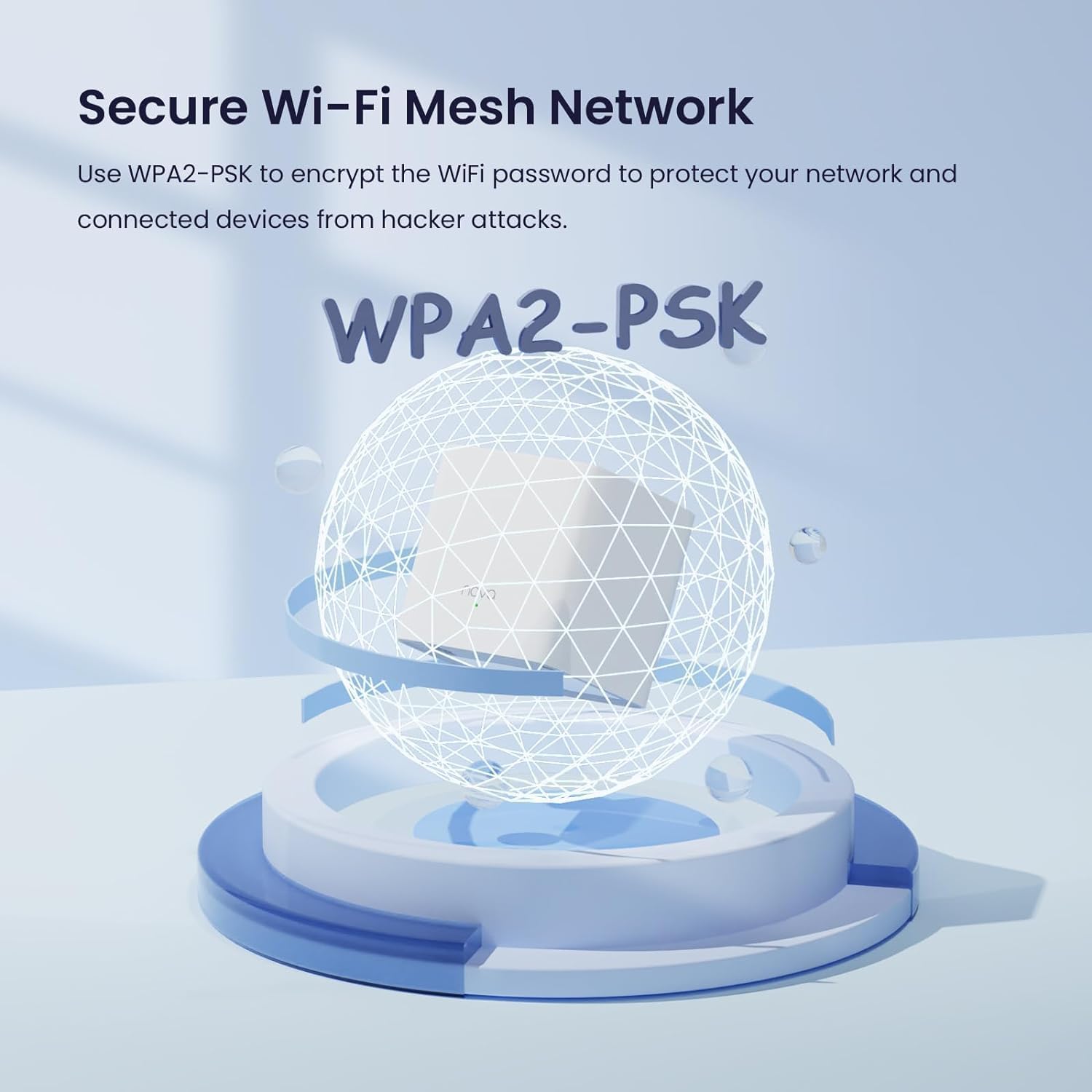
Secure Wi-Fi mesh network — Use WPA2-PSK to encrypt the WiFi password to protect your network and connected devices from hacker attacks. Welcome your visitors and friends with a guest network in isolated network zone, and guards your privacy and smart home access
Easy Setup in minutes — The Tenda Wi-Fi APP helps you to setup, monitor, & manage your home Wi-Fi mesh network easily & quickly. A new node can be added to existing Nova networks with 3 simple steps
PLEASE NOTE — If your incoming broadband speed (speed of the internet connection from Internet Service Provider) is more than 100Mbps, our Nova MW6 3-Pack or MW6 2-Pack would be the recommended solution to provide the whole home Wi-Fi coverage
8 reviews for Tenda Nova Mesh WiFi System – Covers 3000 sq.ft – AC1200 Dual-Band Mesh Network for Home Internet – Parental Control – 3-Pack
Add a review

$69.99
AD –
Great product – easy to install and works for what it is made for
I find very few electronic wi-fi products done right, this is one of them.1) It is great value for money compared to other whole house mesh wi-fi systems in market.2) Works great – I have kept one cube in basement where my router is, one at first floor and the third on second floor. I have Smart TVs, Wi-Fi Connected DVD players, tablet, computers/laptops, VOIP phone, cell phones being used in all area and I can say that I am impressed – I see excellent connection everywhere in my home. Devices connected in the first go and have not dropped connection ever. Granted I have used this product for only 2 days, however, I was so disappointed with my other system that this one is a marked improvement.3) It is super easy to install. Connect any of the cubes to your router, follow directions to set-up via cell phone app, once connected then simply place other cubes looking at the rage availability on the app. I was able to set-up the entire system in under 10 minutes. No other configurations are required – the system will automatically update (if needed), balances the network, restarts in night to refresh itself. I have had no drops (not even once) for any of my device and I use a lot of wi-fi based devices from the most modestly priced to most expensive. So, there must be at least 10-12 devices connected at the same time and it works beautifully.4) It is beautiful to look at – can become part of any place you like to keep it. All you see is this nice white cube with aesthetic top and a small beautifully places small soft glow green LED light.5) The control app is simply, GUI based and does not intimidate user at all.6) I do not think there is any loss in bandwidth – I get great streaming on my 4K TV.The only item they can work on is the accompanying manual – however, it was easy to find and install the app on Apple Store.
Peter Fraedrich –
Whole-home mesh WiFi for Under $100? Absolutely.
I was skeptical of these when I bought them; all the reviews I read said to go with either Google WiFI or Eero, but I really didn’t want to spend $200+ on a mesh setup, especially without knowing how coverage would be in our new house.My personal set up is running in “APmode” with a Ubiquiti EdgeRouter (which I also HIGHLY recommend) acting as router, DHCP, and secondary DNS for my network, with a Synology NAS running primary DNS.– SETUP –Setup was very very easy. Its pretty much plug in, turn on, and pair with the Tenda app.– INTERFACE –I took 1 star off for the UI because there’s no web UI as of this review. Tenda is supposed to be rolling a web management UI out as a firmware update sometime soon-ish, but its not out yet. As of this review, all management is done via the Tenda smartphone app. It works well, but isn’t as full-featured as I would like, but I’m a developer by day and my depth of interest in customization or metrics is probably way deeper than most. In the app you can see your online nodes, what devices are connected, and all the usual info — perfectly usable.– ISSUES –The only issue that I had was related to DHCP leases for the nodes. When running in AP mode, the nodes aren’t responsible for their own DHCP leases which has the potential to cause problems should leases expire and different IP’s get assigned. This causes the nodes to not be able to communicate with each other, breaking the mesh. This can be worked around by one of two ways: 1) dont use AP mode, or 2) assign static DHCP reservations to the nodes on first boot BEFORE pairing. I didn’t do this and had to re-create my mesh after a power outage, but have since assigned static DHCP leases and have had no issues since. Unless you’re running a slightly more complicated setup as I am this should never be an issue, though.– FEATURES –The addition of an Ethernet port on the nodes is brilliant. I have one node stationed behind my smart TV with the TV tethered via CAT6e to the node. This eliminates a wireless hop that would otherwise have to exist if I weren’t able to hard-wire my TV into the network.– BANDWIDTH –The stated bandwidth for the mesh is 1200 Mbps, however real-world bandwidth is closer to 90Mpbs with multiple devices and streaming IoT on the network (I have a few WiFI CCTV cameras, smart tvs, and other bandwidth-heavy things). I have yet to hit bottlenecks in bandwidth even when streaming 4K video over the mesh along with all the other crap on my network.– CONCLUSION –If you want a hyper-feature-rich experience and Gigabit WiFi speeds, go look at Google WiFi or Eero, but if you want dead-simple, bulletproof, no-frills, no-BS mesh WiFi, this is the setup for you.5/5 would buy again
guyinsb –
Basic setup is easy, but setting up a second IOS device is challenging
The basic setup of the 3-pack product was easy. The web site has extensive and fairly readable documentation. The Tenda App for IOS works well; but I have not found a way to use the Tenda app from more than one IOS device. I have spent well over an hour reviewing the Nova FAQ. There is an “Account Authorization” screen that purports to allow management from other devices, but it only allows adding “registered” accounts. I have not yet discovered how to register a second account. And if I run the Tenda App on a second device, not much useful happens.I called the tech support 800# during the supported hours; never even got into a wait queue. Live chat was also not active.Update: I got a fast pickup (no wading through an autoattendant) from tech support today at 5:30 PM. The tech provided a solution after a short discussion; but not exactly trivial. First, use the Tenda Wifi app on the SECONDARY IOS device to register a distinct email address (tap the “profile” icon in the upper right corner of the app window; then the Login button; then the Register tab in upper left). Enter a distinct email address and a password of your choice. Then switch back to primary IOS device, run the Tenda Wifi app, touch settings, scroll down to Account Authorization, and add the new account. Now go back to the secondary IOS device, click on the profile icon, log in, navigate back to the My Wifi screen; the network diagram should appear. Contrary to the documentation, the mesh of Nova devices can be managed simultaneously from two different IOS devices; you don’t have to jump through hoops trying to figure out how to logout from the first device.I have since discovered that all the hoopla above is not vital, if you simply want to use two IOS devices. Just login on the second device using the email address and password registered using the primary ios device.
Waheed O. Busaeed –
The Tenda mesh instalation was easy for a new user of the technology and much better than using a wifi extender and repeater
Srinivasa P –
This product is easy to install and works like a charm upon configuration. I have my WiFi router at a common place at home, there were constraints in signals to rooms due to walls in-between. I have used other products like WiFi extender which didn’t help in anyway!. These two devices from Tenda is covering the WiFi signal across my home. The switchover from one device to other during the movement is seamless, overall WiFi performance is consistent across all the corners.The only reason I am giving 4 star is because there is a requirement for one among the device to be connected directly to WiFi router’s LAN port as a Gateway. Other one will connect to Gateway over WiFi itself. So, I have turned off my WiFi router’s SSID and using it as router to connect this Tenda gateway device.
Luis Ceron –
Muy fácil para configurar, la red bastante estable y trabaja sin problemas tienes opción para seguir conectando más dispositivos y ampliar tu red
Fakhruddin Qalandari –
Easy to install. Light weight. Perfect size. Only app access no desktop access. app is not that good.Over all it does what it says.
Amazon Customer –
Great product for the money. Has extended my wifi coverage with the minimum of effort. Recommended.