
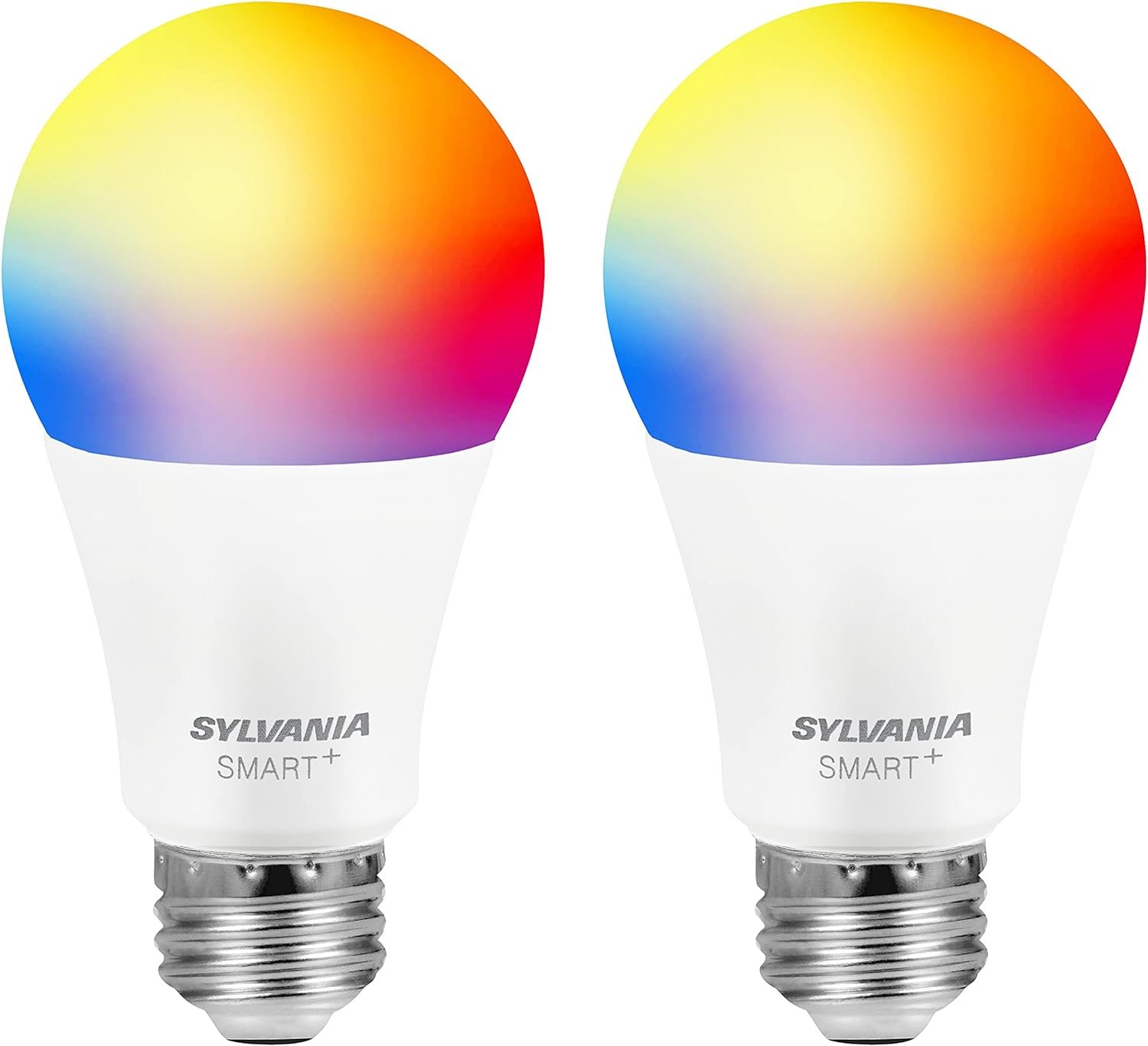
Sylvania Smart+ Bluetooth Mesh 60W Equivalent A19 LED Light Bulb, Full Color and Dimmable White, Compatible with Alexa, 2 Pack
$16.75
Related Products


Experience intelligent, connected lighting solutions in your home with SYLVANIA SMART+ Bluetooth mesh connected lights and accessories. Easily pair your lights and accessories to an Amazon Echo smart speaker for hands-free lighting control. Not compatible with the Echo Dot 1st Generation. No additional hub or hardware is required. Fits standard medium E26 base socket. For indoor use only. Pick one of 16 million colors or customize your white lighting experience with color temperature control (2700K-6500K). Use SYLVANIA SMART+ lighting to add flexibility to your living space, support your well-being, and boost home security when you are away.
SELECT “LINK TO ALEXA ACCOUNT” Before You SELECT “LINK TO MY ALEXA ACCOUNT” When You Add to Cart for Simple Network Pairing – Just screw bulbs in and use voice control upon delivery. Bulbs will arrive pre-synched with your account
HANDS-FREE VOICE CONTROL – Tell Alexa to adjust your lights: Turn on/off, Dim/brighten, Set Routines, Away Mode, and more. If Alexa did not automatically find the light, please say: “Alexa, discover new devices”, or reset the lamp by powering off and on by 5 times.
SET THE MOOD – Turn on the light when your hands can’t / Schedule your flex space to adjust to your daily routine / Wake up to gradually brighter light / Cozy up & wind down in the evening with low, warm light, and more
BLUETOOTH LOW ENERGY (BLE) MESH BULB-TO-BULB CONNECTIVITY – Connect hundreds of bulbs / Extend your voice control ability beyond wifi dead zones / Each Bluetooth bulb acts as its own hub beyond the Alexa Echo device
BLUETOOTH LOW ENERGY (BLE) MESH BULB-TO-BULB CONNECTIVITY – Connect hundreds of bulbs / Extend your voice control ability beyond wifi dead zones / Each Bluetooth bulb acts as its own hub beyond the Alexa Echo device
6 reviews for Sylvania Smart+ Bluetooth Mesh 60W Equivalent A19 LED Light Bulb, Full Color and Dimmable White, Compatible with Alexa, 2 Pack
Add a review

$16.75
Chad Cloman –
[Updated] My Review — the Pros and the Cons with Alexa]1) After initial installation, the whole Alexa system will often have issues with recognizing devices. I’ve often found it necessary to reboot the Echo device after installing these bulbs. But once things get going, those problems tend to disappear.2) They can be a bit buggy. I’ve had intermittent issues with certain bulbs becoming unresponsive. Sometimes it fixes itself and works after another try. Other times I have to toggle the wall switch to turn the bulb off and on, which seems to always fix it. It’s weird how it only happens with some bulbs, and I’m beginning to suspect that random manufacturing errors [] may be the cause. I also think this may be the reason for the one-star reviews where people say it won’t install or connect to Alexa.3) The options for this type of bulb are very limited. They only come in 800 lumens, and I prefer something higher. Also, the single-color bulbs only come in soft white, and I prefer regular white. The color version of this bulb can be set to five different shades of white, including regular white, but it’s more expensive.————————————CONCLUSION:————————————Despite the intermittent bugginess and lack of selection, I heartily recommend this bulb for an Alexa system because it’s so much better than the other ones I’ve used, in terms of setup, dealing with network outages, and having to use the manufacturer’s app to connect it to Alexa.That being said, if you prefer your lighting to be on the brighter side, I suggest the color version of this bulb with its multiple shades of white. Even though it’s still 800 lumens, it seems brighter when set to regular white.
I’ve now installed these bulbs in two different houses with five different Echo devices. My experience has been a bit of a mixed bag. Here’s what I’ve learned:————————————PROS:————————————1) The bulbs connect directly to the Echo device, so you don’t need to use the manufacturer’s app to manage/install the bulbs, nor do you need a dedicated hub. For a while, every time we got a new bulb I had to download a different app to install it and connect it to Alexa.2) Because they use Bluetooth instead of Wi-Fi, these lights continue to work even when the internet is down (if the Echo can also function without internet).3) Setup is super-easy. The pre-registration feature makes it even easier.4) Great for Echo Dots which don’t function as Zigbee hubs.5) The mesh functionality appears to work okay, giving a farther range than regular Bluetooth.6) Once I started using these bulbs, I immediately switched to using them exclusively.————————————CONS:————————————[EDIT #2: Nearly all of the bugginess (#2 below) appears to have been caused by having bulbs on different Alexa systems within Bluetooth range of each other. I’m assuming the mesh functionality of the bulbs was the culprit. We moved a bulb in one system to another (more distant) fixture and suddenly the problems with the other system disappeared (for the most part). They still occur, but now only once or twice per month versus every few days. Note that this was for bulbs on two separate Alexa systems, each connected to a different Amazon account, and not two connected Echo devices on the same account. Still buggy but not nearly as often as before.][EDIT:
Alford –
Works great
Works great. I have 5G WIFI and this bulb is the answer I was looking for. No APP needed, it just connects to Alexa thru blue tooth and your set to go. Set up is asking Alexa to find new device and it walks you through and you’re done. If you have 5G and don’t want to mess with 2.4 this is the answer, but you do need Alexa.
Diana Lynn – Florida –
Wasted my money
I wasted money on two of these that will not connect to anything. The only light changing they do is when they first get turned on. They go through the colors and end on warm white and that is what you are stuck with. They won’t connect to the app, so they are just regular light bulbs controlled by the switch, in a hue I don’t like. I have over a dozen smart bulbs so it is not the operator in this case,. I have wasted hours trying to set them up – no luck. I set up a tp-link bulb in less than 5 minutes. It’s the bulbed. You would think Sylvania could do better. Very disappointed. Oh, and the QR code on the box doesn’t work either.
Brandi –
Great to play with…
Straight to the point and fairly easy to set up. Thank God I realized they had their own app because they almost got returned. The only problem I see is that it’s kind of a hassle to pull out my phone just to turn the light on/off. Plus, one’s in my bedroom and the other’s in my husband’s man cave, so when he’s not home, I cannot turn the light on and when I’m gone, he can’t turn on the light. I’m not sure if they can be connected to two different phones, so we’ll have to experiment; hopefully they’ll work like that, although that’ll create some fun times messing with him.
stacie –
Works well with Alexa. The Sylvania app did not work for me
I have have Echo Dot 3…a little bit older Alexa device. These lights work great with the echo and the thr Alexa app. I put the two bulbs in a lamp that is kind of hard for me to reach where I have it. The white bulbs are in the lamp and I should be receiving the multicolored bulbs for my bedroom ceiling fan later this week. The Sylvania app did not work for me. I think you will be disappointed if you don’t have Alexa or something else to pair the lights with because none of the Sylvania apps worked for me. I tried the one it said to use first and it didn’t recognize the bulbs. I’m just glad it works so well with Alexa which is what I was going for anyhow. These lights are way cheaper than the other ones that my brother put up in other rooms and I think it worked just as well.
Mombie –
Easiest way to connect…
If you use Alexa and do not want to bother with installing yet another separate app to connect any more bulbs, this is how you do it.I have several of these and it takes about 5 minutes to set them up if you go this easy route:Open your Alexa App.Click Devices.Click the plus sign in the top right.Scroll to the bottom of the list and choose Other.Choose Bluetooth.After that, Alexa will do the rest. It will locate your Sylvania bulb and you can then find it back in your devices list where you can rename it and group it wherever you wish. Again, you can add these bulbs using ONLY Alexa, no need for the Sylvania app at all. I have done them on Echo Dot and Echo Pop and they work great.As for the light itself, while some of the colors are not as bright as they could be, they are a lovely hue. If you want mood lighting you don’t want overly bright anyway and if you want a brighter light like you would find in a regular bulb then simply choose any of the colors in the ‘Shades of white’ category and you will get enough brightness. I hope this helps some. I’m new to the smart bulb experience and this is the fastest and easiest way I have found. I gave up on using WiFi bulbs as they use more energy and glitch out when wifi connection is having issues. These Bluetooth on the other hand I have had no issues with and they use less power. Love these so much!