

Lenovo Performance FHD Webcam, 1080p FHD, USB-C,Log-on with Windows Hello, Dual Microphones, 95 Degree Lens and 4X Digital Zoom, Sliding Privacy Shutter, Black
$45.99
Related Products


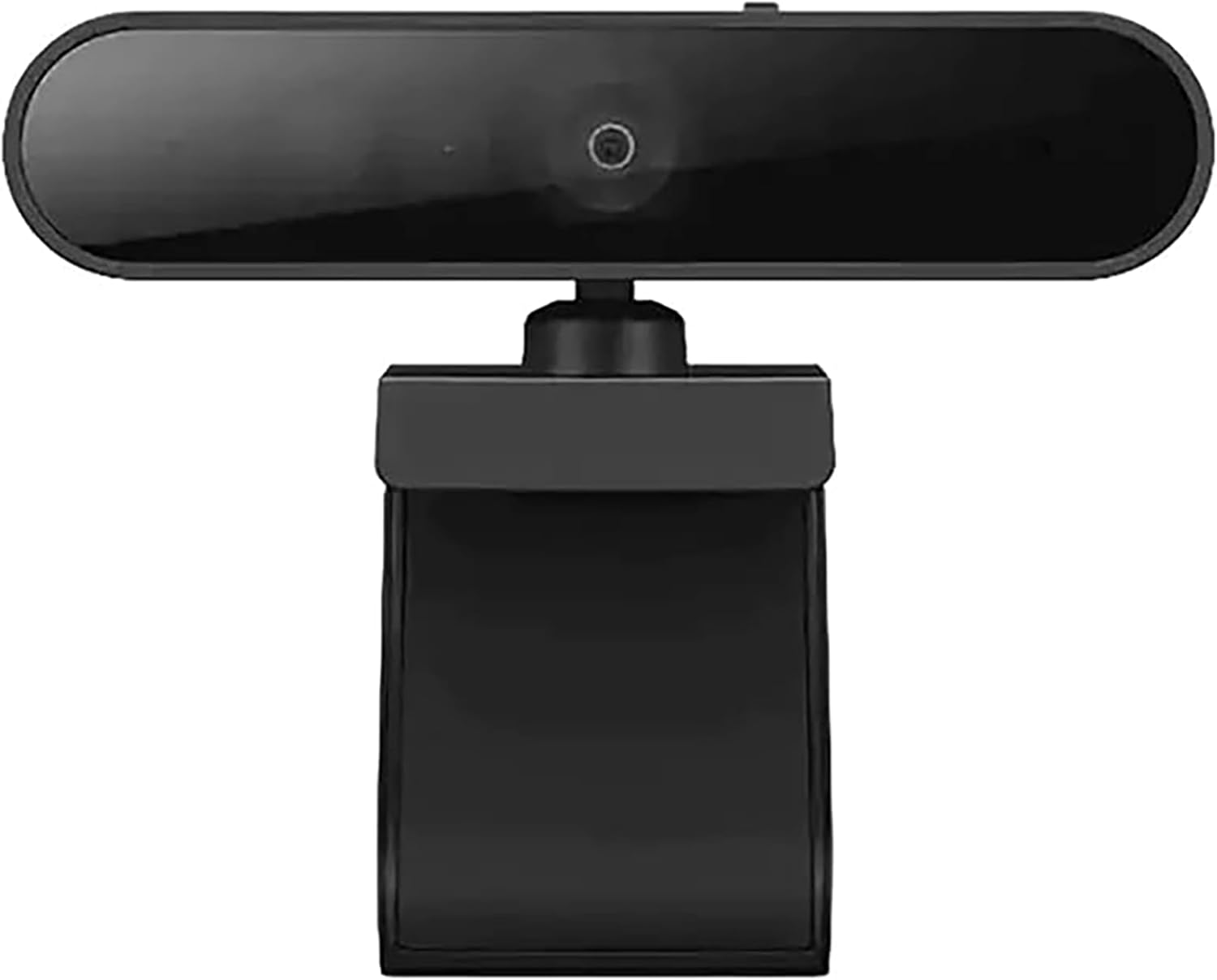



Designed to enhance every conference call, the Lenovo Performance FHD Webcam captures everything in superb 1080p RGB and delivers uninterrupted FHD UVC-compliant video. Thanks to temporal-domain noise reduction (30DNR), it offers better video quality under various circumstances. Compatible with desktops and laptops, its facial recognition feature allows multiple users to login effortlessly and securely via Windows Hello. And with built-in dual microphones, it can capture audio from up to 2 meters away, so everyone in the room can have their say.
Studio-quality video conferencing – With a 1/2.9-inch RGB sensor, 95° lens, and 4x digital zoom, this 1080p FHD webcam allows users to set the scene for every call. What’s more, dual microphones pick-up voices within a 2-meter range, accurately and clearly
Very flexible, very secure – The Lenovo Performance FHD Webcam features a range of mounting options, from top-of-monitor to tripod, with wide-angle pan/tilt controls and 360° lens rotation support. And for extra security, it has a sliding privacy shutter.
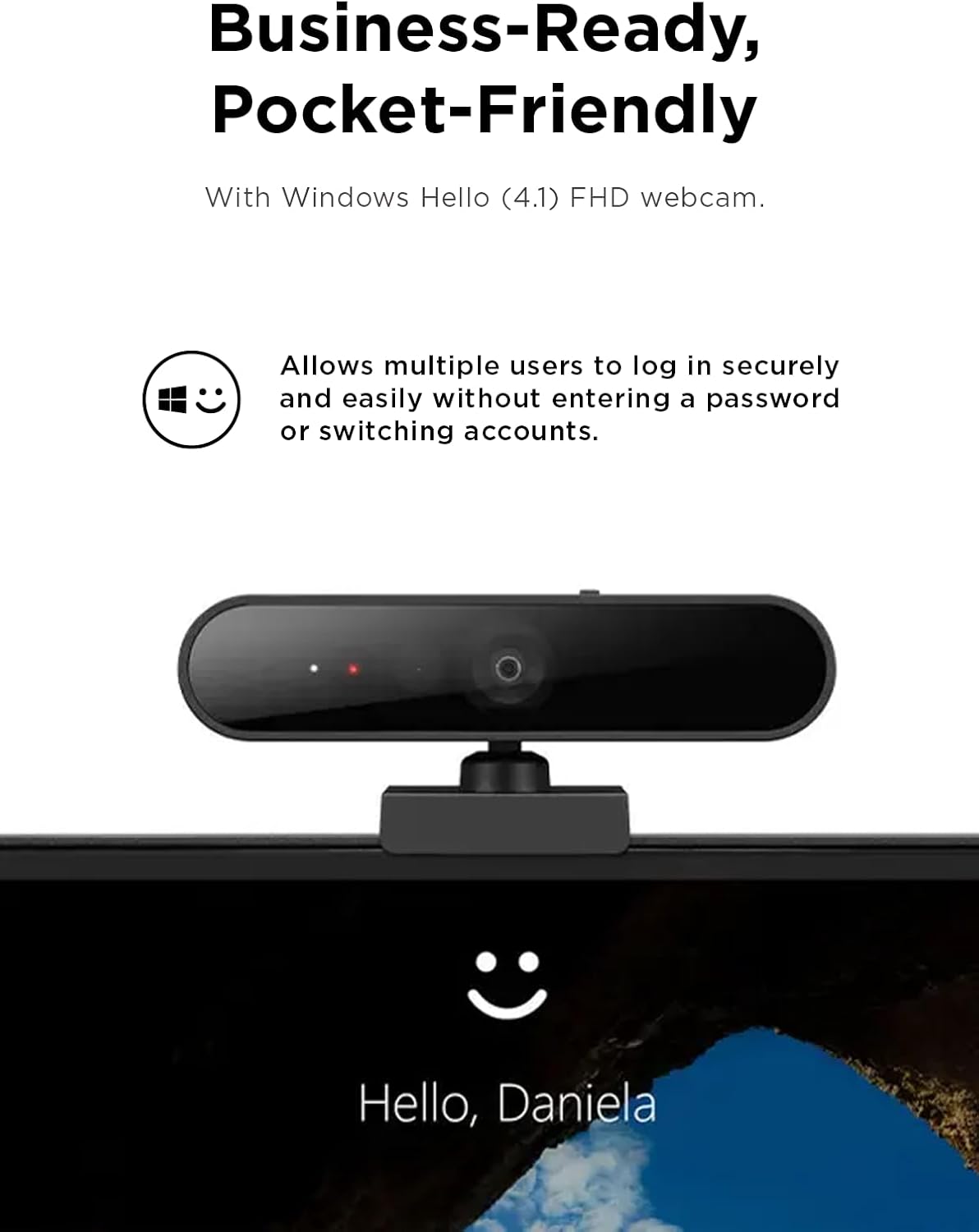
Business-ready, pocket-friendly – With advanced face recognition technology, this Windows Hello (4.1) FHD webcam enables multiple users to login securely, easily – without entering a password or switching accounts. It’s also very affordably-priced, too.
Resolution; RGB Mode 1920 x 1080 (MJPG) @ 30 frame rate (default); IR Mode: 352 x 352 @ 15 frame rate
Interface: Type-C Cable Length: 1.8 m (5.9 ft)
13 reviews for Lenovo Performance FHD Webcam, 1080p FHD, USB-C,Log-on with Windows Hello, Dual Microphones, 95 Degree Lens and 4X Digital Zoom, Sliding Privacy Shutter, Black
Add a review

$45.99
Dean W –
Buy it.
IT Admin here. This is the only webcam you need to look at for everyday use. Its only 1080p but the quality is crisp (better than many junk ~$15-30 “2k/4k” cameras) and the IR sensor is EXCELLENT which is why I primarily deploy these things. The device itself is reliable, no drops or stutters, the dual mic is very nice and was designed for use in busy offices.The overall build quality is tough as bricks, like most Lenovo products, with a sturdy chassis and high quality lens fascia. Having a physical privacy slide is reassuring, as is the small ‘closed’ indicator on the lens when in use. The privacy screen slider, the ball head/joint and the stand hinge are the 3 physical moving components and are all well built.It’s plug and play with just about everything, supporting the stock Windows / Linux drivers from the last 15+ years without requiring additional software, and is compatible with any software that supports a standard webcam interface thanks to it’s ability to use generic drivers.If you’re unsure if it will mount on your setup; it probably will. The stand is highly adjustable and has a 1/4″-20 UNC tripod mount on the bottom (pictured). I use one at home too and it sits up nicely under my screen thanks to a sturdy hinge (pictured). It silently logs me in to apps/websites using Linux Howdy or Windows Hello without me moving a muscle. Buy it. It’s bloody good. Good enough for me to bother cleaning my desk, taking two photos and writing this. Cheers.
Glenn –
Fantastic Windows Hello device – Great overall webcam
Windows Hello simply works. I have had 0 issues at all with signing in using Windows Hello. The clarity on the camera is great for 1080p, but the digital zoom is not good enough to really advertise. The microphones are excellent, but that comes with a disadvantage as it will pick up all sounds… there is no noise filter. That’s not an issue for me as I’ll just continue using my headset for a microphone. I love the fact that I can position this camera however I need as it has very versatile pan and tilt… that’s a great design feature. Overall, I’m very happy with this purchase as this camera is excellent value for money.
Marc M –
If you need USB-C, provide your own cable
Overall it seems like a sufficient camera, it has a privacy shutter on it, works well in low light, and was compatible with Windows 11 out of the box.Where it loses a star is claiming to be a USB-C camera, but shipping with a USB-C to USB-A cable. In other words, if you need to plug it into a USB-C port, you’ll need to provide your own USB-C to USB-C cable, which kind of defeats the purpose of buying a specifically USB-C camera.But overall, I like the sharpness, I like the wide angle.
Action –
Windows Hello works everytime.
It works as flawlessly as a Windows Hello Camera. If you have a laptop or tablet and you want to use your desktop setup to automatically log you in – this is it. It functions as Hello authentication device very well.Picture quality is like any other webcam of this price range. It is bright and digital zoom is not bad. It can zoom in using windows camera app or meeting apps. It is of light weight. No sound output – and using Bluetooth headset for sound. Camera has mic, but not using as my headset is more convenient.It is pretty easy to install – plug and play. Highly recommend for Windows Hello usage.
Meaghan –
Great for Team meetings
This webcam is fantastic! The video quality is super clear, and the dual microphones pick up sound really well. My husband and I liked it so much, we each got one! Setup was quick, and the USB-C connection makes it easy to use. The privacy shutter is a nice touch too. Great value for a reliable, high-quality webcam.
CustomerX –
Does not work well with windows Hello
I bought this for using with Windows Hello. It was easy to set up, but did a poor job recognizing the face at login.Eventually ended up returning this and buying a Logitech Brio – that one is more expensive, but works great.
David –
Audio Issues
The video quality is pretty good and it works with Windows Hello without much fess. However, I am constantly getting complaints my audio has static or I cut in an out. Switching to my laptops internal mic always fixes the issue. Pretty frustrating.
N. G SMITH –
Very good for WIndows Hello but video quality not the best
The camera works very well for Windows Hello, which is the main reason I bought it. Camera quality is ok, but not even close to the clarity of my Macbook. I can’t understand how PC webcams lag so far behind Apple webcams.
Michael Ross –
Have Lenovo ThinkCentre. Works well with HELLO (IR bionic recognition) on Windows 11. Super wide screen so can choose blurred or many optional backgrounds. Many brightness & focus choices. Two mic’s are good for speech recognition. Quality unit for the price point.
Henry –
An almost perfect camera for a solid price. It would be nice if it had an adjustable (software) zoom, but realistically I have nothing to complain as a lot of video call software has re-framing these days.
Aut0mat0n1979 –
Picture quality is not overwhelming, but still capable fullHD. Wide FOV, decent colors. Needs a lot of light though. Mic is suprisingly good, privacy shutter is a nice feature too. Windows Hello works great, even if a bit slow for my taste. No software whatsoever, just windows settings.
Guido –
ottima webcam con qualità delle immagini e l’audio durante le chiamate è eccezionale. funziona perfettamente anche per il riconoscimento facciale! la qualità del suono è davvero ottima. pratico supporto per lo schermo e attacco a vite. con copriobiettivo
Léo –
La qualité vidéo et du micro permet des réunions / visios dans de bonnes conditions.La reconnaissance faciale fonctionne globalement bien mais est parfois un petit peu capricieuse quand il manque de luminosité.