

AV Access 4K Conference Room Camera, 1/1.8′ Sensor, Individuals Gallery, 120° FOV, 5X Digital Zoom, Auto Framing, Presenter Tracking, Dual Mics, ePTZ, Privacy Cover, Work with Teams, Zoom, Meet
$149.99
Related Products




Product description


1 1/1.8′ Sensor
2 4K UHD Resolution
3 5X Digital Zoom


1 Individuals Gallery Mode
2 Auto Framing Mode


1 AI Presenter Tracking
2 Dynamic HDR
3 Dual Microphones


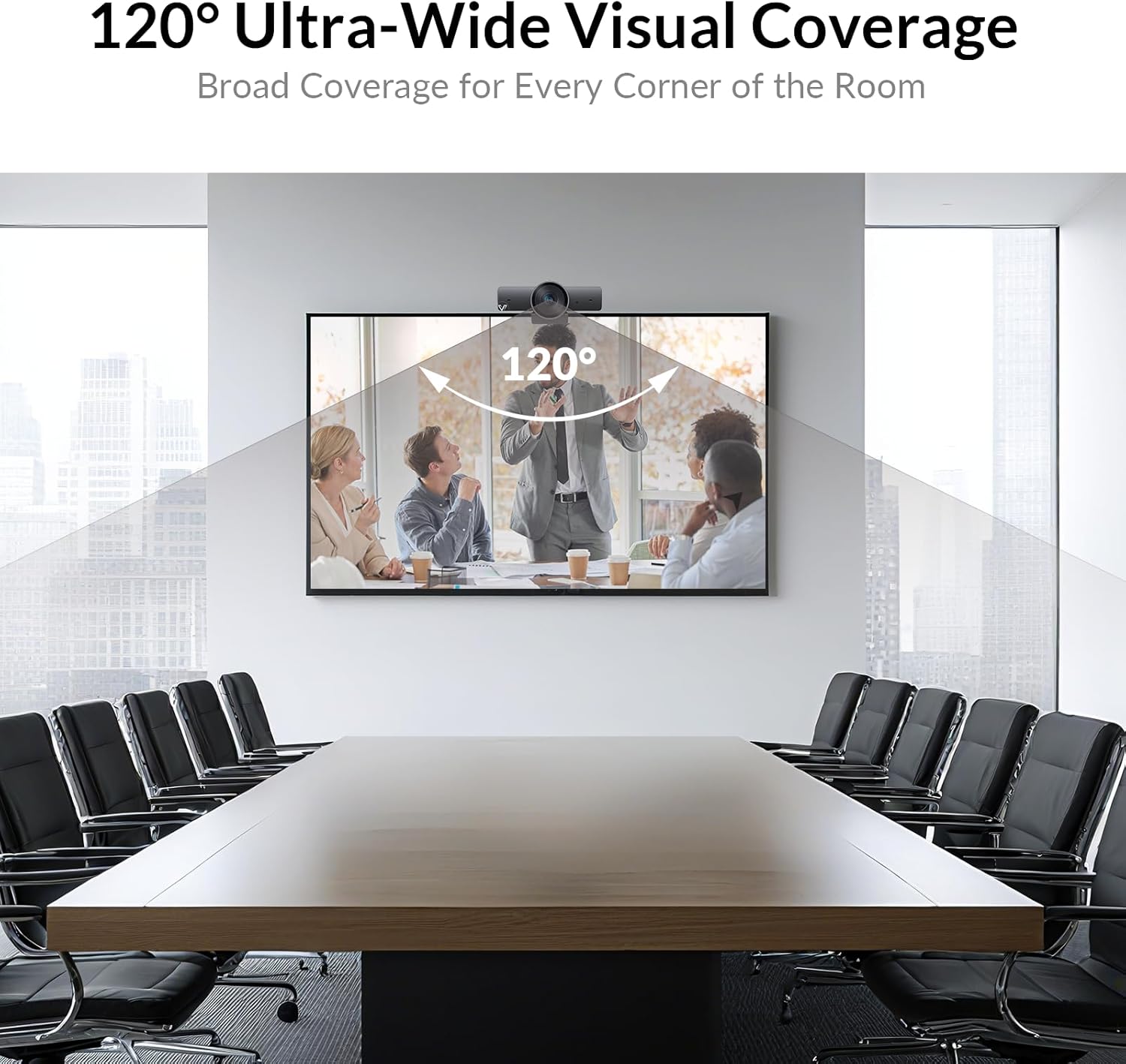
1 Wide-angle 120° FOV
2 Noise Cancellation
3 Fully Compatible

AV Access Conference Room Camera and Speakerphone
Add to Cart
Add to Cart
Add to Cart
Add to Cart
Customer Reviews
4.4 out of 5 stars 85
4.4 out of 5 stars 85
4.4 out of 5 stars 85
4.0 out of 5 stars 117
Price
$149.99$149.99
$299.99$299.99
$359.99$359.99
$169.99$169.99
Sensor
8M
8M
8M
—
Individuals Gallery Mode
√
√
√
—
Auto Framing Mode
√
√
√
—
Zoom
5x Digital Zoom
3xOptical Zoom+5xDigital Zoom
3xOptical Zoom+5xDigital Zoom
—
Diagonal FOV
120°
120°
120°
—
Daisy Shain
—
—
—
√
Bluetooth
—
—
√
√
Exclusive AI Gallery Technology – Individuals Gallery detects and frames each participant, showcasing facial expressions clearly. Automatically switches to group framing when more than 4 people—a feature unique to BizEye. NOTE: You need to download the “Bizeye” app from the official website to activate this feature.
Intelligent Auto Features: With AI Auto Framing and Dual Noise-Cancelling Mics, this webcam ensures that you always look and sound your best, even in low-light or noisy environments.
Wide Field of View: The 120° FOV and ePTZ control allows you to capture more of the room or scene without needing to physically adjust the camera, making it perfect for video conferences and online classes.
4K High-quality video: 1/1.8’ CMOS image surface can capture more light to provide more details and higher the rate of S/N for better WDR performance on image.
Secure: Comes with a Privacy Cover to put over the lens when not in use, ensuring your privacy in your workspace.
Easy to Use: Compatible with most video conferencing applications and operating systems, simply plug it in and you’re good to go.
13 reviews for AV Access 4K Conference Room Camera, 1/1.8′ Sensor, Individuals Gallery, 120° FOV, 5X Digital Zoom, Auto Framing, Presenter Tracking, Dual Mics, ePTZ, Privacy Cover, Work with Teams, Zoom, Meet
Add a review

$149.99
TechSystems USA –
Great conference room camera
Great conference room camera, inexpensive, good sound, follows automatically the person who is talking
Signlaw –
Crystal clear audio and video!
UPDATE: I bought TWO more, they arrived today. Perfect clarity, amazing price. Mic pics up perfectly & the video is absolutely crystal clear! /// Okay, I have been soooo frustrated trying to find a camera that will not have ghosting (I am a legal / court-certified ASL interpreter and need crystal-clear imagery for American Sign Language.) Other cameras I have bought, I have given away to those who are not interpreters or do not need a higher standard of quality. I have paid more than double this price, but the other cameras did not do a satisfactory job. THIS ONE DOES! Not only is it amazingly clear, people who rely on my voice interpreting (ASL-to-Spoken-English) say the audio is crystal clear. This is DEFINITELY worth the price (less than $30)! I will be buying two others for the other two PCs we have in the home.
Robin –
Easy to use basic webcam
This is a nice simple webcam for the price and was a helpful addition to my home videoconferencing setup. The camera worked immediately without any setup on both my Windows and Mac laptops. The picture is sharp, and the camera does particularly well in low light. Microphone works fine but isn’t a huge improvement over my laptop microphone. A few minor downsides to consider: (1) The camera lens and the wide microphone behind it make the webcam quite large. I probably wouldn’t pack this webcam with me on a work trip, for example. (2) The wide-angle lens captures a very wide area. For professional meetings, I would actually prefer that it see a bit less of the room behind me.
JML –
Great picture quality
This camera is leaps and bounds better than the preinstalled one on my laptop. Picture quality is great and it has a microphone that is also pretty darn good.
Joe –
Nice camera
I like this camera, small, and easy to use it. The voice is clear and picture quality is very good, which is helpful for the meetings.
Dadreadedtruth1700 –
Great for my streaming
Working great
Ed Barton –
Just Another Webcam
Many of the features touted by the seller – such as the audio quality and sound candidly aren’t good enough to warrant going away from a separate mic and speaker/headphone set up if that’s concern over your integrated units. The size is a bit large for one that you might want to tote around with your laptop, and the lens resolution, field, and color contrast/lighting sensitivity make it a hit or miss on a stationary setup (I use it in a temporary studio setting and have largely dialed these things in). All in all, at the price point, it’s “just another webcam”. If you do need the webcam to triple up as your microphone and noise reducer, it’s better than a laptop integrated mic and camera – but not enough to distinguish it from its competitors.
Jon Marshall –
Capable Cam
Easy plug and play camera that quickly integrated when plugged in and presented itself as an option for camera/video. Copious resolution settings from 1080p on down, but must be selected within camera/video software settings. Would prefer additional adjustment via the camera itself – to adjust field of view. I prefer the crisp resolution of 1080p, but it is a tad too wide for me – so a manual focus turn dial on the camera body would help. For the price point and what it provides, it’s perfect.
Mr. Review –
This 4K Webcam from AV Access is the BizEye 90 model, and it features a relatively substantial footprint based on the combination of a larger 1/1.8” CMOS sensor and the dual-array microphones built into the webcam’s housing. The build quality feels a step above your typical consumer webcam and certainly looks best suited for an office conference or meeting room where groups of people would be participating.The built-in AI features, such as Gallery Mode, which frames each individual, up to four people, are pretty neat. The AI tracking worked well during my time testing it, following the presenter relatively smoothly, and this was all just plug-and-play. The 4K resolution and 120° field of view also made this camera well-suited for a group setting, and while it certainly works with one person, you’ll likely be zoomed in more versus looking for such a wide field of view. The dual microphones with noise cancelling work well, and again, sound like a step up over more basic consumer-level webcams.Priced under $190 at the time of this review, thanks to an additional discount coupon, I think the BizEye 90 is a solid piece of conference room hardware, more than for the average at-home consumer. However, if you work remotely and spend a considerable amount of time presenting via webcam, this could be the ideal piece of hardware, given the 4K resolution with a good low-light sensor and the AI tracking abilities. The mounting hardware is excellent and necessary as the webcam is wide and weighty. I also appreciate the silicone lens cover, which feels durable and custom-sized to the lens, too. A recommended buy for those looking for a conference room camera, or if you’re an active user of Zoom and Microsoft Teams daily, and want the best possible resolution and ease of use in terms of the AI tracking features.
kin –
あと、使いやすい。持ち運べるほどでもないですが、軽いといえば軽いので特に不満はない。キャップも付いているし、手入れが簡単です
xarbit –
While the camera feels good and has a good build quality. It looked promising during my unboxing.After plugging in to my Mac is where the disappointment started.. the camera is way too dark and doesn’t adjust brightness and light good enough, can be fixed with external light.The worst was the internal microphone, its not loud enough and totally useless (at least on macOS during my tests)Too bad.I sent this camera back and ordered me the Logitech C922 instead.
Bharat –
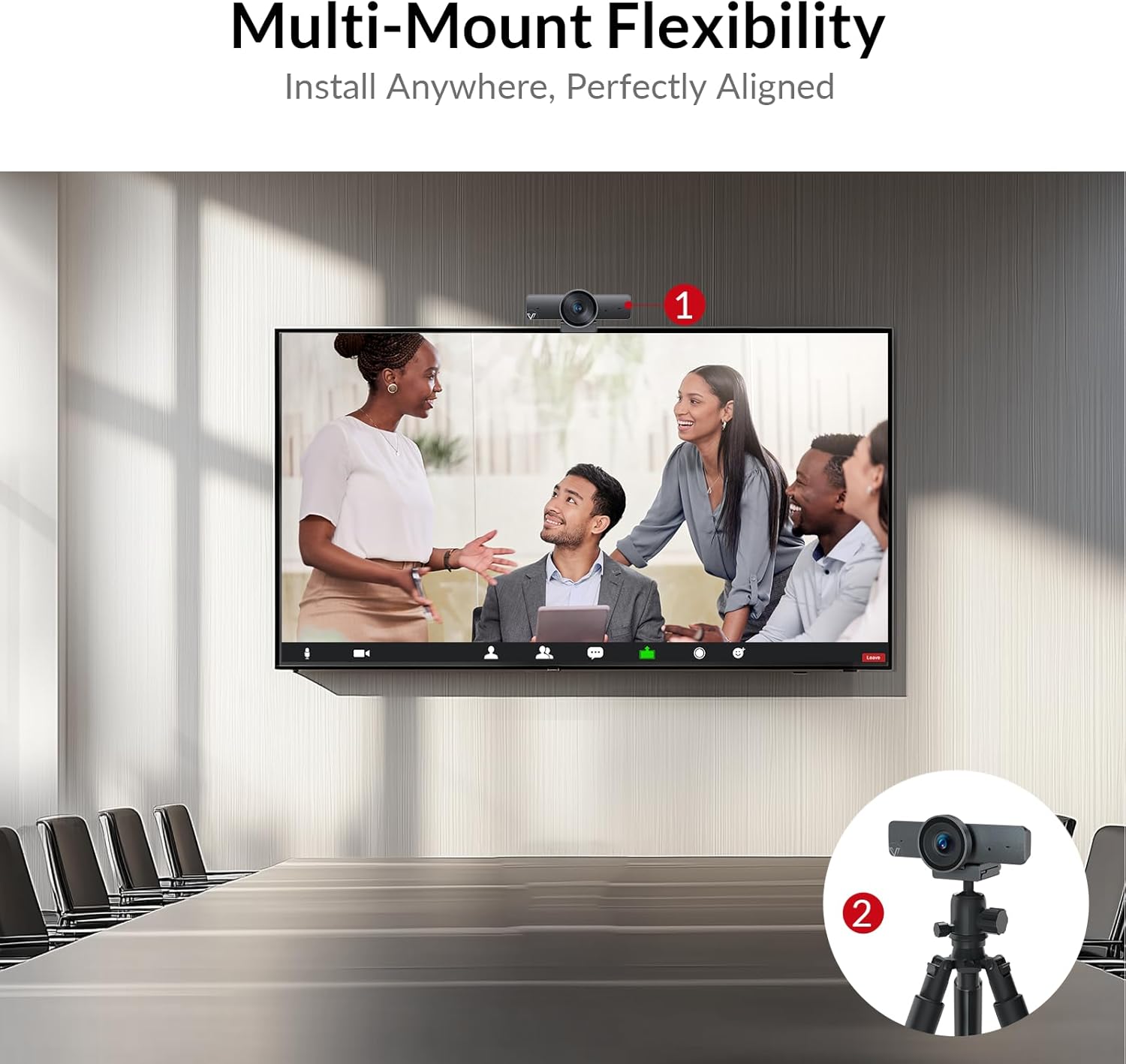
Camera quality is good, a nice wide angle view, especially compared to the built in laptop camera I have. Mic works well and the sound quality is clear. Handy lens cover comes with it as well as tripod fixings or clip on to monitor or TV. Good sturdy build. Have used other av access products before and would always recommend, customer service is always top notch.
Tracey U. –
I’m really pleased with it, if there is one drawback I couldn’t fix it to my monitor which is a curved flat screen but other than that it’s great. I found it really easy to set up and use (which is saying something!).