

Amazon eero 6 mesh wifi router – Supports internet plans up to 900 Mbps, Coverage up to 1,500 sq. ft., Connect 75+ devices, 1-pack
$89.99
Related Products


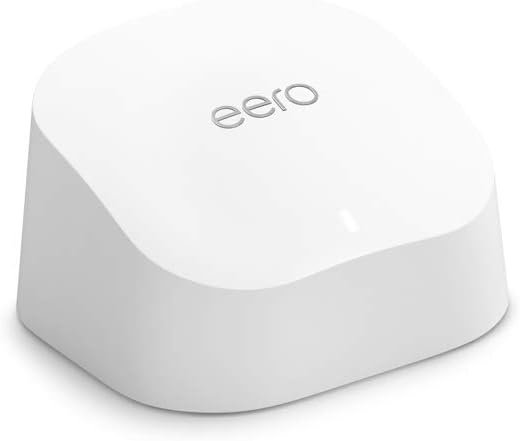



WHOLE-HOME WI-FI 6 COVERAGE – eero covers up to 1,500 sq. ft. with wifi (a 22 foot radius) and supports wifi speeds up to 900 Mbps.
SAY GOODBYE TO DEAD SPOTS AND BUFFERING – Our TrueMesh technology intelligently routes traffic to reduce drop-offs so you can confidently stream 4K video, game, and video conference.
MORE WIFI FOR MORE DEVICES – Wi-Fi 6 supports faster wifi than prior standards and permits 75+ connected devices.
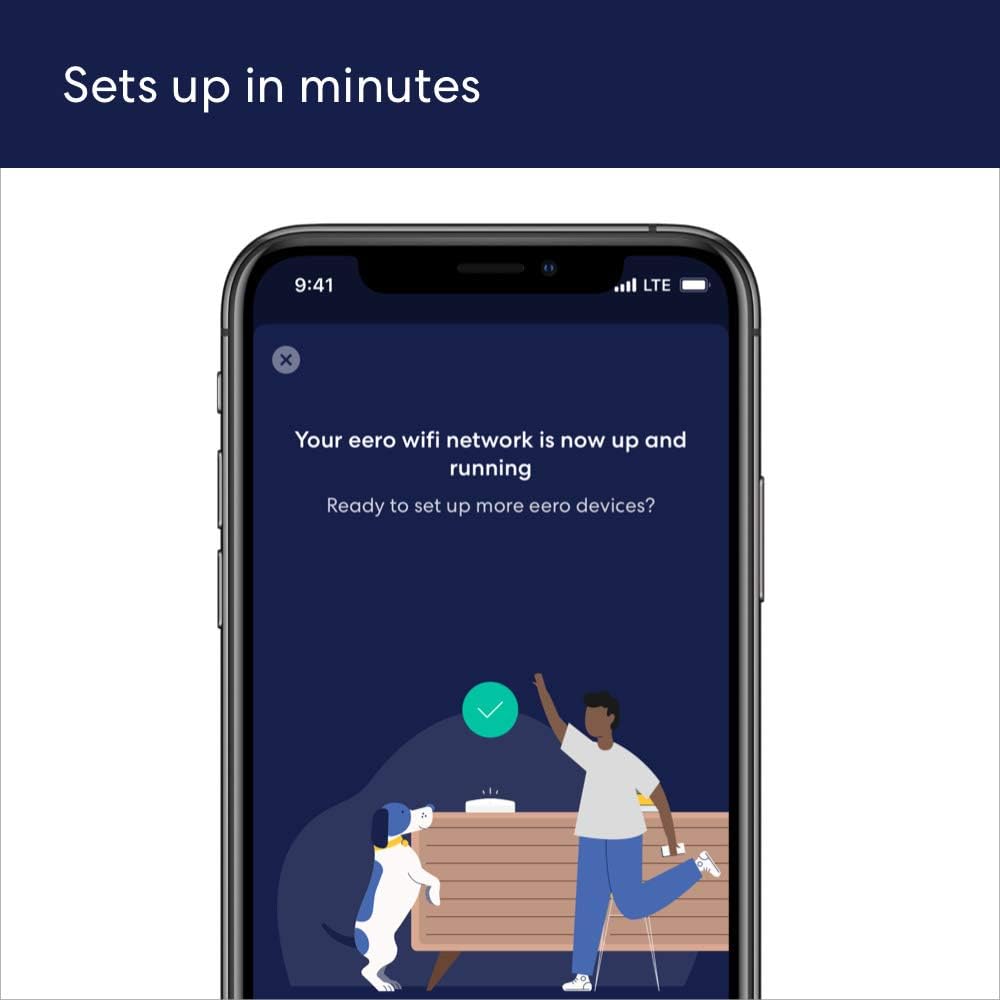
SET UP IN MINUTES – The eero app walks you through setup and allows you to manage your network from anywhere. Plus, free customer support is available 7 days a week in the US at support@eero.com or +1-877-659-2347.
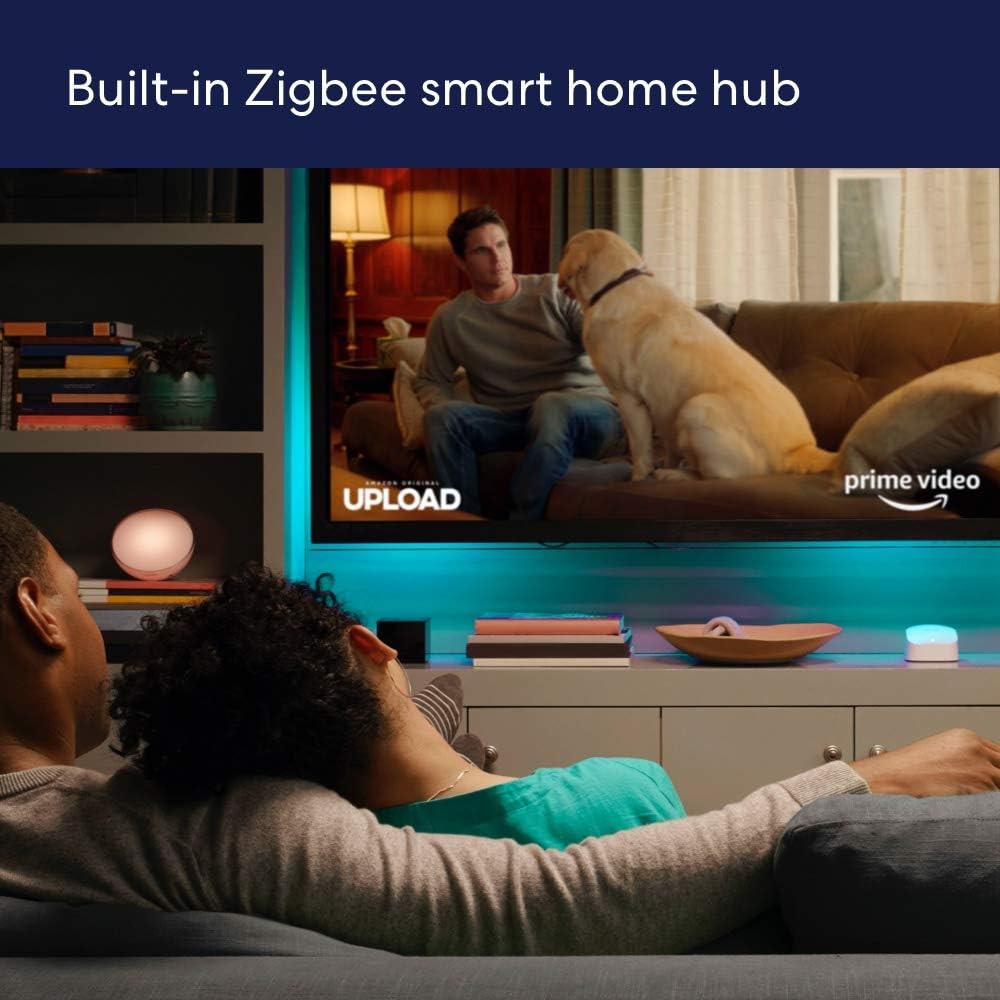
BUILT-IN ZIGBEE SMART HOME HUB – eero 6 connects compatible devices on your network with Alexa—so there’s no need to buy separate smart home hubs for each device.
GETS BETTER OVER TIME – Automatic updates bring the latest and greatest in eero wifi while also helping to keep your network safe and secure.
EASILY EXPAND YOUR SYSTEM – With cross-compatible hardware, you can easily add eero products as your needs change.
5 reviews for Amazon eero 6 mesh wifi router – Supports internet plans up to 900 Mbps, Coverage up to 1,500 sq. ft., Connect 75+ devices, 1-pack
Add a review

$89.99
Heather –
So Far So Good
My modem crashed a few months ago and Spectrum had to replace the system. I learned during that installation that I was being charged an extra $10/month for my router. Didn’t realize that for 5 years, I was only “renting” my router. Which has been an absolute waste of $600. During the initial install, I was not informed of that and I have never seen an actual paper statement for my bill breaking down my plan.My first Spectrum router was very spotty towards the back of my house (1050sq ft. house) and the new router which was supposed to be an upgrade to Wi-Fi 6, was even worse. My phone would lose connection to the new router on my front porch which is 5 feet away from my router. I initially thought that all I needed was an extender and that is how the Spectrum guy and I got on the subject because I am NOT very tech savvy. I had already been looking at the Eero router and he recommended it. I found the one that is compatible to my internet plan (400Mbps) and went for it while it was on sale. This router is very well packaged. Very pretty packaging, too.OMG!! Super super easy to install. Your grandparents could install this. The only thing that I recommend is being sure of your password which you should be able to find in your providers app (at least I can with Spectrum). If you do happen to forget one digit to your password, and you accidentally change your password, you will have to reconnect each device individually.This router was compatible with my internet plan and provider. I’m very happy with the quality, signal strength, functionality. It has been very reliable for the three days that I have had it. I have not lost signal once. Not even on my front porch. My phone is now showing that I am connected to Wi-Fi 6 when before, it kept dropping it and dropping back down to 5G. Even with the 5G, it would buffer really bad.I got this on sale and I do think that the price is competitive for how well this router performs. The app is super easy to navigate and every device that is linked to your router is located in the app. You can monitor what devices are connecting to your router.I do think that this Eero router was the upgrade to my internet plan. I would recommend saving yourself the cost to “rent” your router through your service provider and upgrading to the Eero router. This will pay for itself in 6 months now that I am not “renting” my router.
Charles Trayes –
Five stars, no question.
I installed the Amazon eero 6 mesh WiFi extender to fix a few dead zones in my home, and it exceeded expectations. Setup took less than ten minutes using the eero app. The connection synced automatically with my existing network, and the signal strength now reaches every corner of the house, including the garage and back patio.Speed tests show consistent performance with no drops or buffering, even when streaming 4K video and running smart devices at the same time. The design is compact and blends in nicely. The app gives clear insights into connected devices, and updates run quietly in the background without me having to manage anything.If you want a dependable mesh WiFi solution that just works, the eero 6 delivers. It’s reliable, quick to install, and keeps your network running smoothly. Five stars, no question.
DualDrive 36 –
Excellent Value
Easy Setup, Good signal strength.I already have an eero router provided by the fiber internet provider I use which comes in at one extreme end of my house. The signal was weak all the way at the other end. Adding one of these extenders solved the problem.I’ve used other mesh network products and I’ll say their software is better than eero provides but it is adequate. It was easy to setup and the software shows the items on the network but it doesn’t do a good job identifying them. That is my only criticism and it is minor. The wifi now has a great signal not only inside but also out back by the pool area and into the front in the garage and for security cameras and doorbell. I now get appx 3000 sq ft coverage.
P.W.A. –
Easy Setup, But Only 1 Extra Port Though!
Love this thing. It doubled my wi-fi speed/MBPS. I got the three-piece set because I have a two-story home, and my office is one floor up and diagonally opposite of where the main router is set up. Therefore, this mesh setup is ideal. This was very easy to setup with the app. No problems and pretty quick. No passwords or serial numbers to remember or enter: it does it all for you. Click, click, click—done! So yeah, it’s fast and easy all around. However, I noticed only one extra port (you monopolize one to your modem. (I didn’t have to buy a new modem.) If you have an Apple TV, that’s it. You can only hook that up. If you have something else, like pluggin in a laptop to have a super-fast wired connect or to see on the big screen, no-can-do (unless you unplug the Apple/Roju/etc). Why can’t you buy a splitter? You need all eight wires, a splitter would turn it into a four-wire connection which means whatever you are running will be so slow, it’s not worth it. That equals bad speed and bad quality. My old NightHawk router had five extra ports and I miss that. However, I’ll deal with this since I got it to actually get a strong signal upstairs. It’s just something you need to know before buying. Also, they are surprisingly warm. Probably fine to have on the rug, but I elevated mine. If they ever make wireless ones, that would next level as you have to put these next to an outlet. Flaws and all, happy with my wi-fi speed upstairs.
ML Schmidtke –
Simple Setup- Works Great
I added a TV to my recently finished basement. Streaming was good most of the time, but a little glitchy. Got this extender, plugged it in and followed the simple instructions and it immediately fixed my issue. It’s been about two months since I installed and it has worked perfectly since.