

4K Webcam for PC, 8MP USB Webcam with Dual Noise-reducing Microphones, Picture-in-picture, Auto Framing, 5X Zoom, 92° Wide FOV, Auto Light Correction, Perfect for Conference, Video Callings, Streaming
$69.99
Related Products




Product description


1 Built-in Privacy Shutter
2 USB Webcam
3 Full Flexibility
4 Wide Compatibility
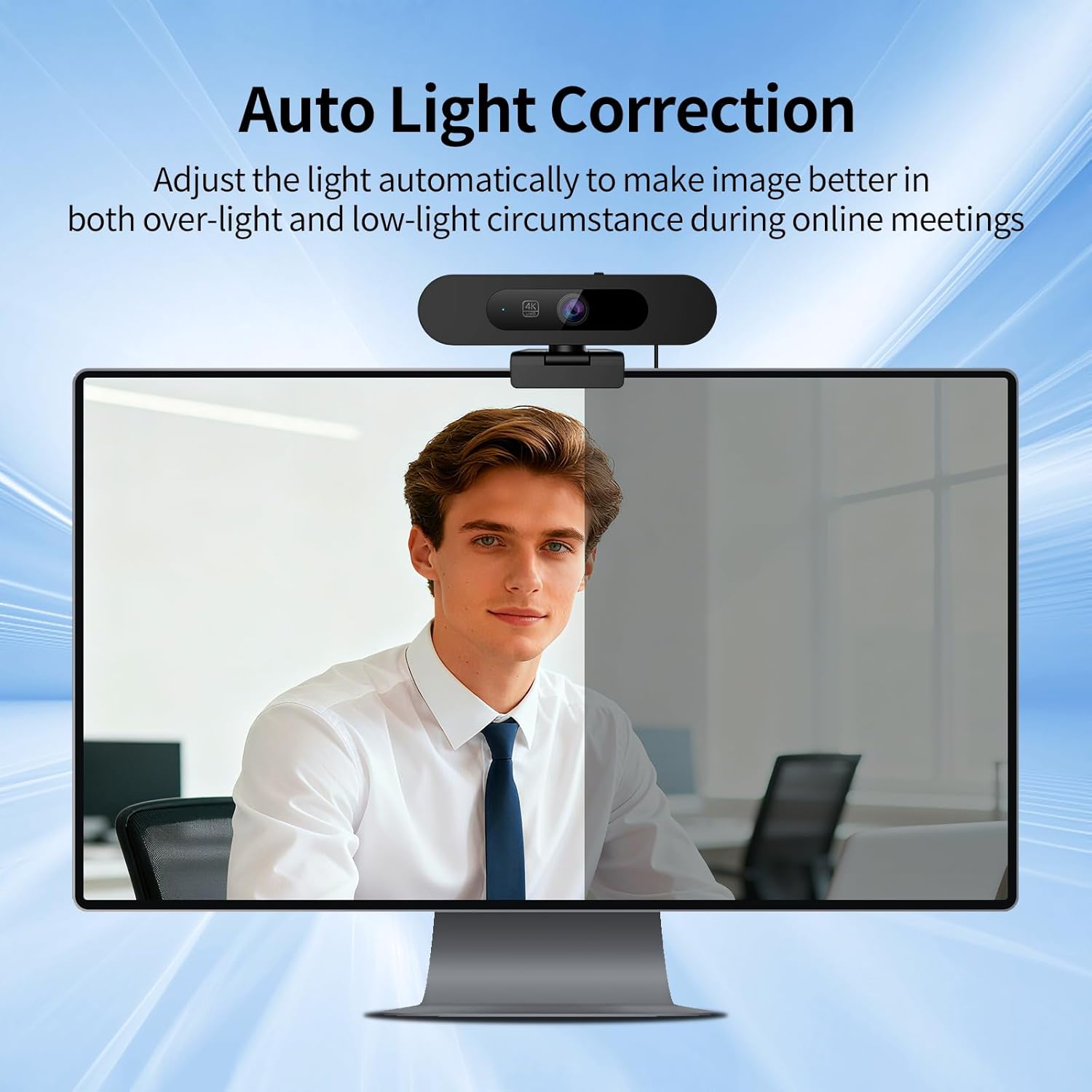
4K Webcam UHD 8MP & Auto Light CorrectionDual Microphone: This 4K webcam for pc captures every details for a clear and smooth video conferencing experience, perfect for conference calls, online classes and live streaming. Auto light correction helps you look your best in dim and harsh lighting. You do not need to draw the curtains first to get a normal exposure picture when video calls come.
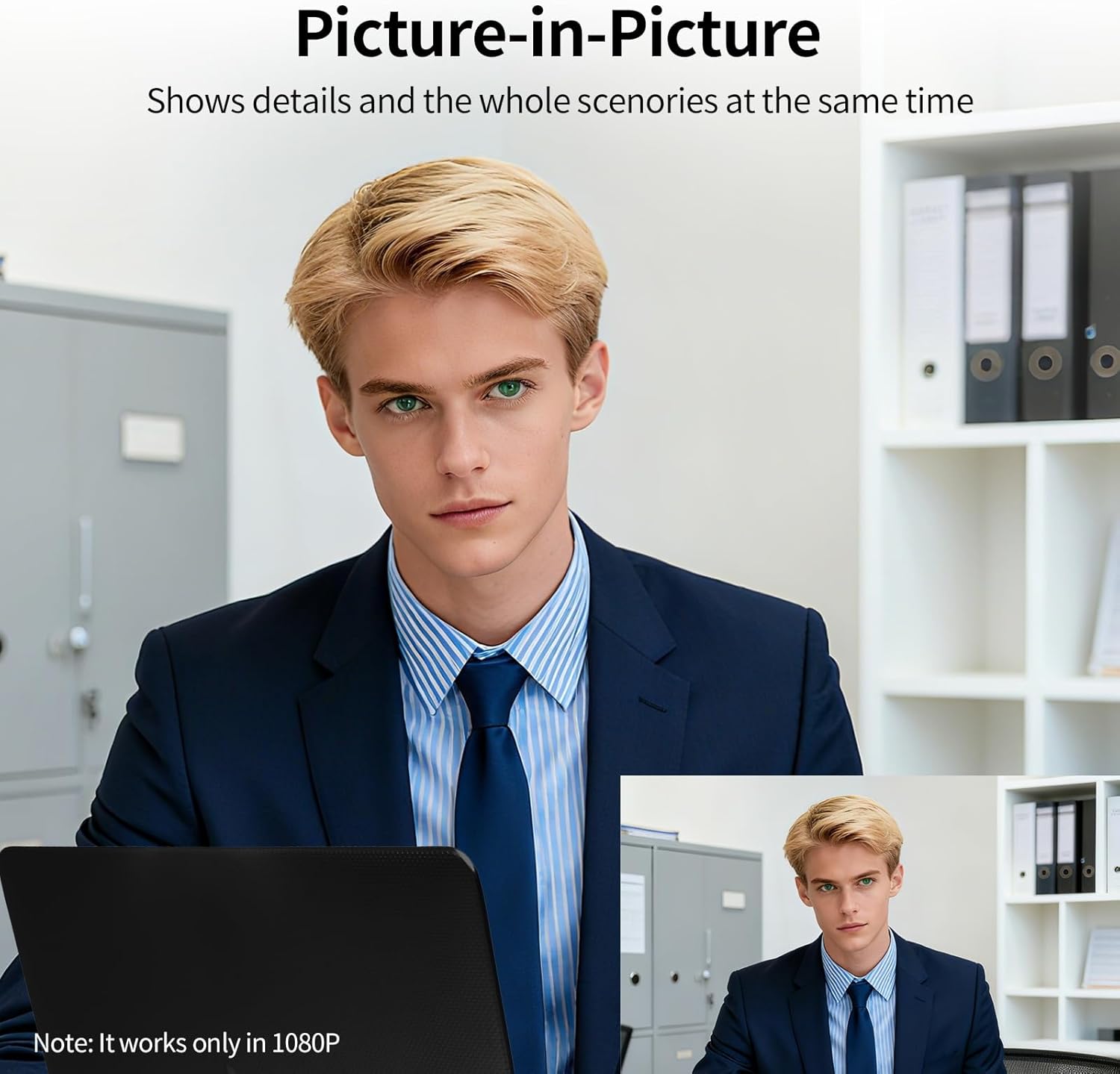
Auto framing & Picture-in-Picture: The web camera supports auto framing technology, which can automatically detect attendees within the view angle then automatically adjust the viewfinder frame so that the attendees are always displayed in the center. Long press the right button you can enter the picture-in-picture mode that shows the details and full frame at the same time. This computer webcam supports 5X digital zoom, more details for you. Please note that the zoom function is only available at 1080P resolution.
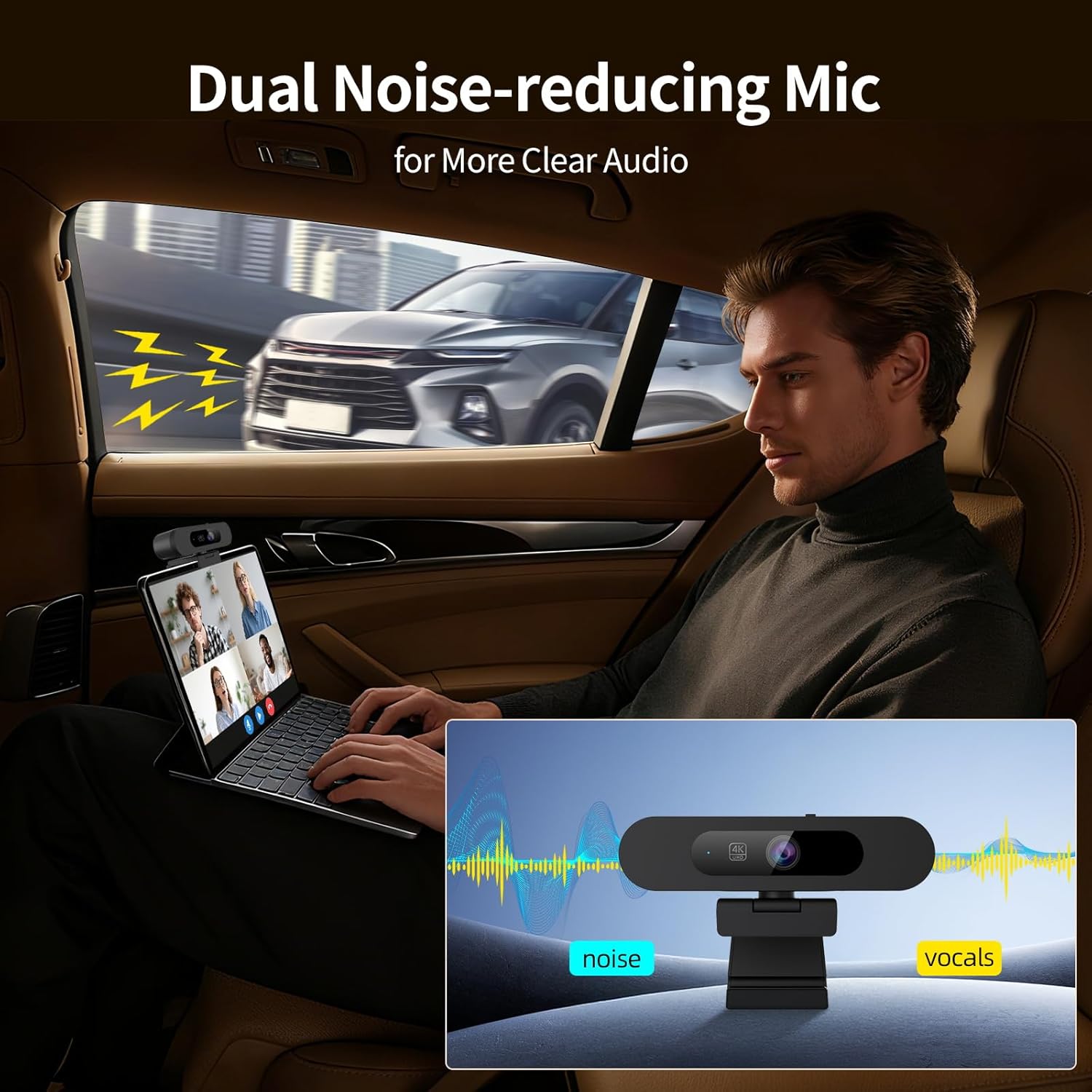
Dual Noise-reducing Microphone: Two built-in mics capture crisp stereo audio from all directions with 3 meters distance and reducing background noise to create an excellent radio communication.
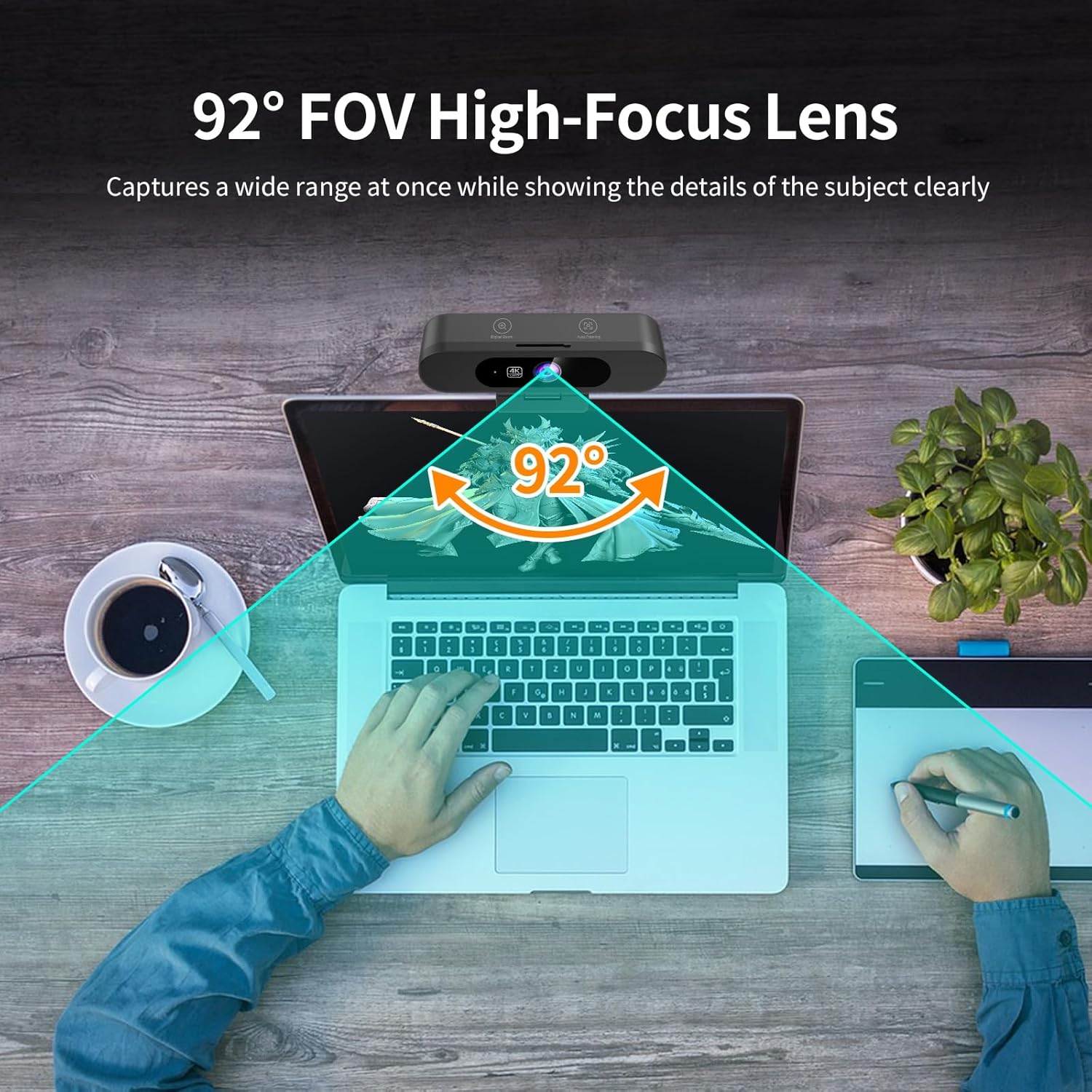
92° Wide FOV & Privacy Cover: Ultra-wide angle 92°lens captures more participants without frequent adjustments and suitable for presentations. 360° horizontal rotation, 90° downward for better view angle. This 4K webcam has a built-in sliding privacy cover that physically blocks the lens with a gentle push.
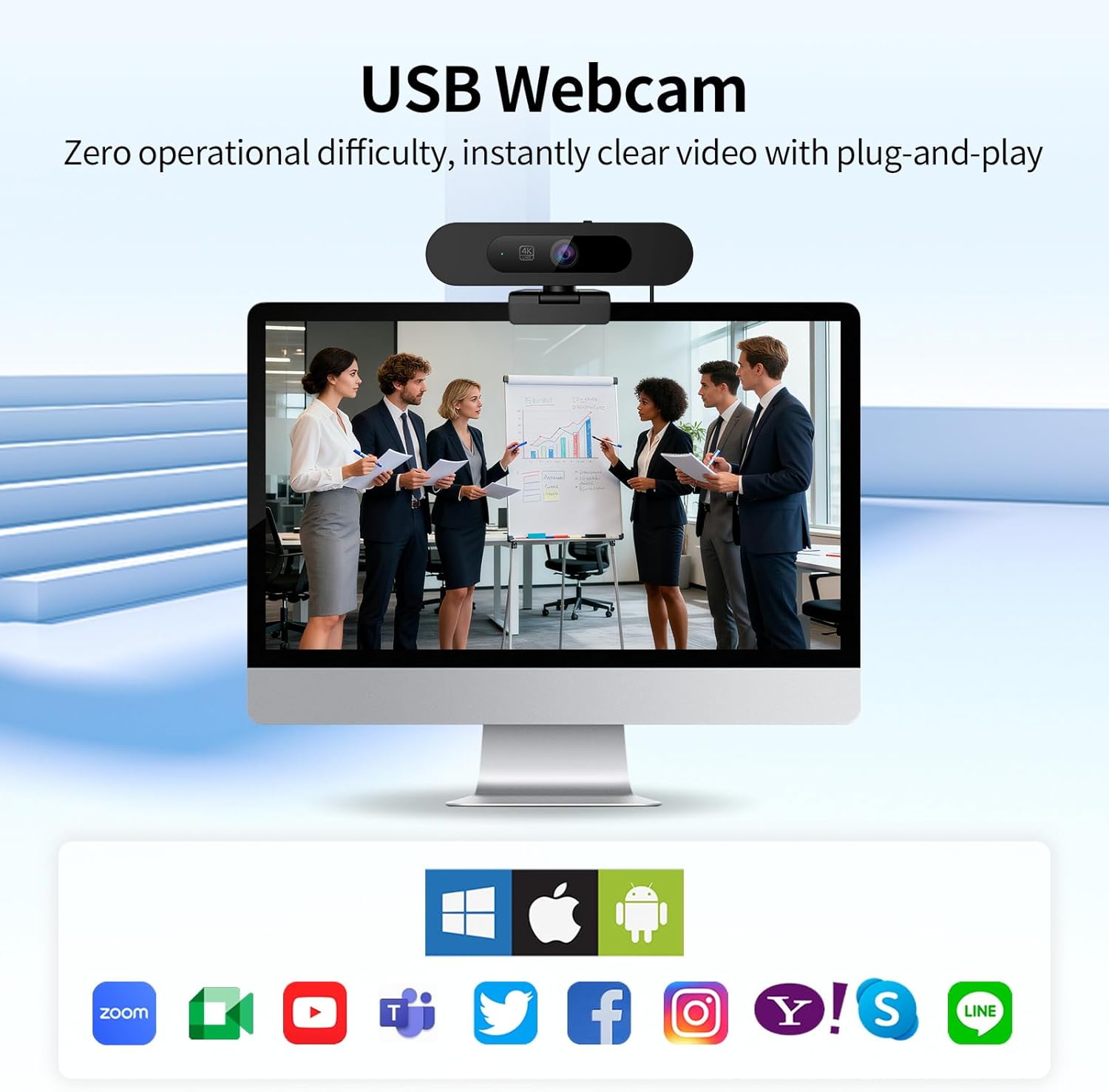
Easy to use: Plug and play. Out of box, connect to your computer, this USB webcam is ready to work. This computer webcam is ideal for use with Zoom, Facetime, Microsoft Teams, google Meet and more. You can use it for online teaching, home office, conferences and video callings.
9 reviews for 4K Webcam for PC, 8MP USB Webcam with Dual Noise-reducing Microphones, Picture-in-picture, Auto Framing, 5X Zoom, 92° Wide FOV, Auto Light Correction, Perfect for Conference, Video Callings, Streaming
Add a review

$69.99
Sustainable Vic –
Decent webcam, but not sure about physical buttons
The Moertek 4k webcam is a decent webcam with a nice 4k resolution, so that you can easily zoom in to various parts of your picture with extreme clarity. White balance, however, is on the cooler side with no clear way to adjust.Connectivity was easy with the included USB-A and USB-C adapters. And it’s greatly appreciated that it has a tripod threading at the bottom of the unit for easy mounting. Physical privacy shutter is another welcome feature.There are also two physical buttons that are supposed to allow for zoom/flip and auto framing, but I’m only about to get flip working. If this AI can cannot allow for easy zoom, then it can’t claim to be intuitive.Packaging came in a small cardboard box which wasted very little space. The webcam itself came inside a polystyrene bag to protect from scuffs. I do wish they had used either recyclable plastic wrapping, or fitted cardboard inserts instead, to make it more sustainable.
C.M.P. –
Amazing 4K Webcam
For the past several years my primary PC was a laptop and everyone I had came with a camera. When I switched to my current Alienware Aurora desktop PC and a 27” curved monitor, I needed to get a webcam.This 4K 8mp webcam from MOERTEK happily turned out to be a great choice. It has auto framing with a 92 degree wide field of view, a 5 power zoom capability (no one wants to see me that close – LOL) and PIP (picture-in-picture feature). One of its best features, though, is the auto light correction as I prefer working in my office at night in low light conditions. And the imaging is clear and sharp. Of course, it also has a sliding lens cover if you don’t want your image uploading.The included 5 foot (approx.) USB cable is a C-type for the camera input and a USB-A type to connect to your PC. And thank the Lord for the early advent of Plug & Play peripherals. Remember when every PC peripheral had to come with an installation and setup disc or download? (Yeah, many of you probably don’t. 🙂 ) It also comes with a USB-A to USB-C converter if you need to connect C to C.This webcam is simple to setup, simple to use and worth the price considering its features and performance. I recommend it with all 5 STARS.
Soph –
Just not good for a Mac. No software, Auto Framing makes you seasick.
Just not a good camera for the price.This webcam does not come with software that will save any settings so every time you join a video call you need to reconfigure it.The field of view is pretty wide so I want to zoom in. I have to do that AFTER I join a meeting by putting my hand over the camera to get to the zoom adjustment button.Yes it does have “Auto Framing”, but if you move in even the slightest the auto framing zooms out then back in and then bounces until it settles. I actually had colleagues on video calls ask what was going on. Looking at it myself it made me seasick.The color seems really flat compared to my MacBook Pro camera. I enabled the microphones in a one to one call and the person on the other side said I sounded like I was talking into a tin can.Just not a good product.
Jameson –
Passable image quality but terrible mic
Image quality is not the best on this cam with both natural & darker lighting as it as advertised to do. Its color accuracy is good, and its functionality is fine being plug and play.The wedge style mount as well as the screw in mount system are great but the image is grainy even in 4k compared to similarly priced webcam models.It’s a smaller size, and compatible with windows with no extra software. After tweaking settings using obs the image is passable but even a MacBook cam outperforms it.The mic that comes with it has atrocious sound quality and tinny would be an understatement. I took a teams call with this cam and someone asked if I was using a voice changer as the sound quality compared to my previous webcam is laughable.On the positive side, it has a privacy slider, good auto focus, mirrors image with a physical sensor, and the digital zoom is easy to use.
Amazonカスタマー –
MOERTEK PC用4Kウェブカメラ です。パッケージ内容は、カメラ本体・USB-A/USB-Cケーブル・USB-A→USB-C変換コネクタ・多言語マニュアルです。マニュアルは日本語と英語で記載されていました。今時のPC(OS)であればPnPで「接続するだけでOK」ですので簡単に使い始める事が出来ます。※TeamsやZoomなど、ソフト側の設定は別途必要です普段ビデオ会議で使用している Streamplify CAM と比べるとこんな感じです。・色の自然さ:本製品です。Streamplifyはコントラストが低く、不自然な映像です。・シャープさ:Steamplifyです。パキッとした画が好きな方はStreamplifyの方が良いでしょう。・画角の広さ:本製品です。2人以上を写すなら本製品の方がオススメです。総合的な使い勝手としても、本製品の方がやや上かなと感じました。理由としては、プライバシーシャッターが片手で操作出来る事とケーブルの取り替えが可能な点です。Streamplifyはプライバシーシャッターが若干固く片手での操作が難しいのと、ケーブルが直付けでカメラを持ち運ぶ際にケーブルが断線してしまっても取り替えは出来ません。その点、本製品はプライバシーシャッターが片手でスルスル操作出来ますし、付属ケーブルが断線したとしても市販の USB-C/USB-C や USB-C/USB-A ケーブルに付け替える事が可能ですのでカメラ自体が壊れるまで長期間使用出来ることが期待できます。ここまで褒めておいて、イマイチだった点も記載します。それは、ズームやオートフレーミングの設定を覚えてくれない点です。カメラがONの状態で上記の設定をしても、アプリ終了等で一旦カメラがOFFになるとそれらの設定が消えてしまい、会議の度に一々ズームやオートフレーミングのボタンを押さなければならない点が割と煩わしいです。
nanashi –
AIによる自動追従機能の付いたwebカメラです。説明書は英語と日本語。付属品は接続用のUSBケーブル。USB-A to Cコネクタが1つ取り付けられています。プラグインプレイなので、PCに取り付ければすぐに使用可能。カメラアプリ辺りから画像が見れます。特徴的な機能としては5倍のデジタルズームと、AIオートフレーミング(ターゲットの自動追従)。ズームに関しては説明要らずですね。ボタンを押すたびに倍率の代わる5段階のズームです。オートフレーミング機能についてですが、機能をオンにすると画面内の人の顔を認識し、自動でズームインしながら、顔が画面のセンターに来るように映像位置を調整します。オートフォーカスのさらに賢い感じですね。焦点合わせに自動ズームを加えた機能です。人の顔が画面内で移動すると追従して画面も動きます。なかなか面白いです。PIP機能もあり、元画像(カメラが撮っている映像全体)とオートフレーミングを同時に映す事も可能です。ほか、映像の左右反転(ミラー)機能もあります。手に物を持って説明する時などに地味に便利かも。FPSは高めで自動明るさ補正も利き、映像はスムーズ。スペックは十分に発揮されています。マイクの性能はごく一般的なスペックです。可もなく不可もなくですね。普通の使用に問題無し。ほか、ハードウェア的にはカメラの物理カバーと、三脚に取り付けられる1/4インチネジ穴があります。価格的にも、最低限ラインのウェブカメラより頭一つ分抜けた性能のカメラです。本体付属のカメラや安物カメラに不満があるなら、乗り換え候補としてはかなりアリでしょう。
Amazon カスタマー –
リモート会議用に外付けカメラを探していて、機能のバランスが良さそうだったので試してみました。USBを挿すだけで認識され、余計な設定なしですぐ映像が出るのは助かります。画質は4K対応ということで細かい部分まで見やすく、部屋の明るさが足りないときでも自動補正が効いてくれました。AIのオートフレーミングは座り直したときなどに視野を調整してくれるので、画面の外に自分がずれる心配がなく思った以上に便利でした。マイクはクリア寄りで癖がなく、会議では特に問題なく使えました。一点だけ惜しいのは、ズームやオートフレーミングの設定を保持しない点で、カメラをオンにするたび調整が必要になります。とはいえケーブルの交換ができたり物理シャッターが扱いやすかったりと使い勝手は良く、普段使いには十分満足しています。
おいなり –
コンパクトで設置も簡単です、オートフォーカスにピクチャーフレーム等のソフト操作でやることが本体でも可能です面白いのがミラー表示も出来ることですね、あまり使い道が無いかな?と思いますが女性の間取り等を分からないようにする時とか使用するといい感じかもしれません基本的に表示ソフトDiscordやTeamsでの表示を確認出来ました、またオートフォーカスやミラー、拡大表示は本体ボタン操作で反映出来ます、複数回タッチ操作等の切り替えなので簡単に操作も覚えられます
尼太郎 –
4Kの高解像度で顔色も自然に映り、AIオートフレーミングで動いても自動で画角を調整してくれるのが便利です。設定不要のプラグアンドプレイですぐに使える。